Shop
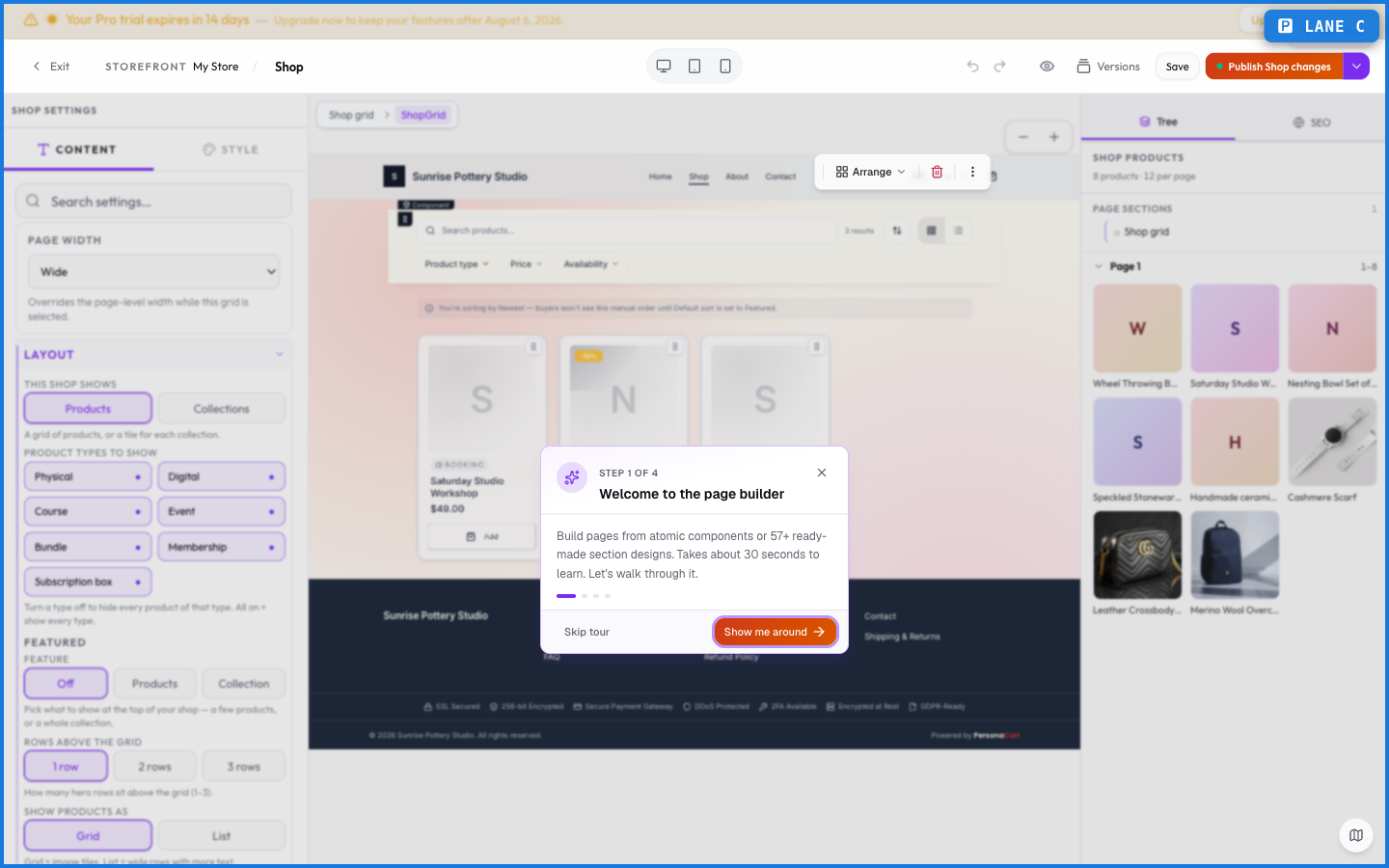
The Shop page is where buyers browse everything you sell. It turns your product catalog into a shoppable page — with collections, filters, and a layout you control.
Where to find it
Sidebar → STOREFRONT → Storefronts → Shop.
What it controls
The Shop page pulls from your live products and collections. You arrange how they're grouped and filtered, so a buyer can narrow by collection ("Mugs," "Classes") or browse everything. Products you publish appear here automatically; drafts and hidden products don't.
What happens — and what doesn't
- The Shop reflects your live catalog — publish a product and it shows up; unpublish it and it's gone.
- Collections drive the grouping and filters buyers see.
- Hidden products stay out of the Shop even when published, which is how you sell something by direct link only.
- The Shop is part of your storefront, so its look follows your theme.
How do products get onto my Shop page?
Automatically. Any published, visible product appears in the Shop. Unpublishing or hiding a product removes it.
How do I group products on the Shop page?
With collections. Buyers can filter and browse by the collections you've set up under Commerce → Collections.
Can I sell a product without it showing in the Shop?
Yes. Hide it from the storefront and share its direct link or a payment link instead — useful for exclusive or unlisted items.
What this screen looks like in every state
| State | When you'll see it | What you see, and what to do |
|---|---|---|
| Empty | You haven't created anything here yet | “No pages found” — with a shortcut to create the first one. Nothing is wrong; there's just nothing to show yet. |
| Loading | The screen is fetching your data | A skeleton in the shape of the finished page. It should be brief — if it persists, the load has failed rather than stalled. |
| Error | The data couldn't be loaded | A message with a retry. Retry first: most of these are a dropped request, not a broken store. If it repeats, the outage is upstream and reloading won't help. |
| No access | Your role doesn't include this screen | A permission notice instead of the page. An owner or admin can grant access under Settings → Team. |
When something goes wrong
These are the messages this screen can show you, and what each one means.
| If you see | What to do |
|---|---|
| "…" is reserved for a built-in store page (like cart or checkout). Choose a different slug. | Retry the action. If it keeps happening, contact support with what you were doing. |
| Cannot delete the shop page. | The change didn't save. Retry — if it keeps failing, the request isn't reaching the server. |
| Delete the product to remove this page. | The change didn't save. Retry — if it keeps failing, the request isn't reaching the server. |
| Page title is required. | A required field is blank. Fill it in and save again. |
| This page is protected and cannot be deleted. | The change didn't save. Retry — if it keeps failing, the request isn't reaching the server. |