Content
Content is where the supporting material for your storefront lives — the words and blocks that fill out your pages beyond the product catalog. It's the writing and assets side of your store, kept separate from the Media Library (files) and the Pages (structure).
Where to find it
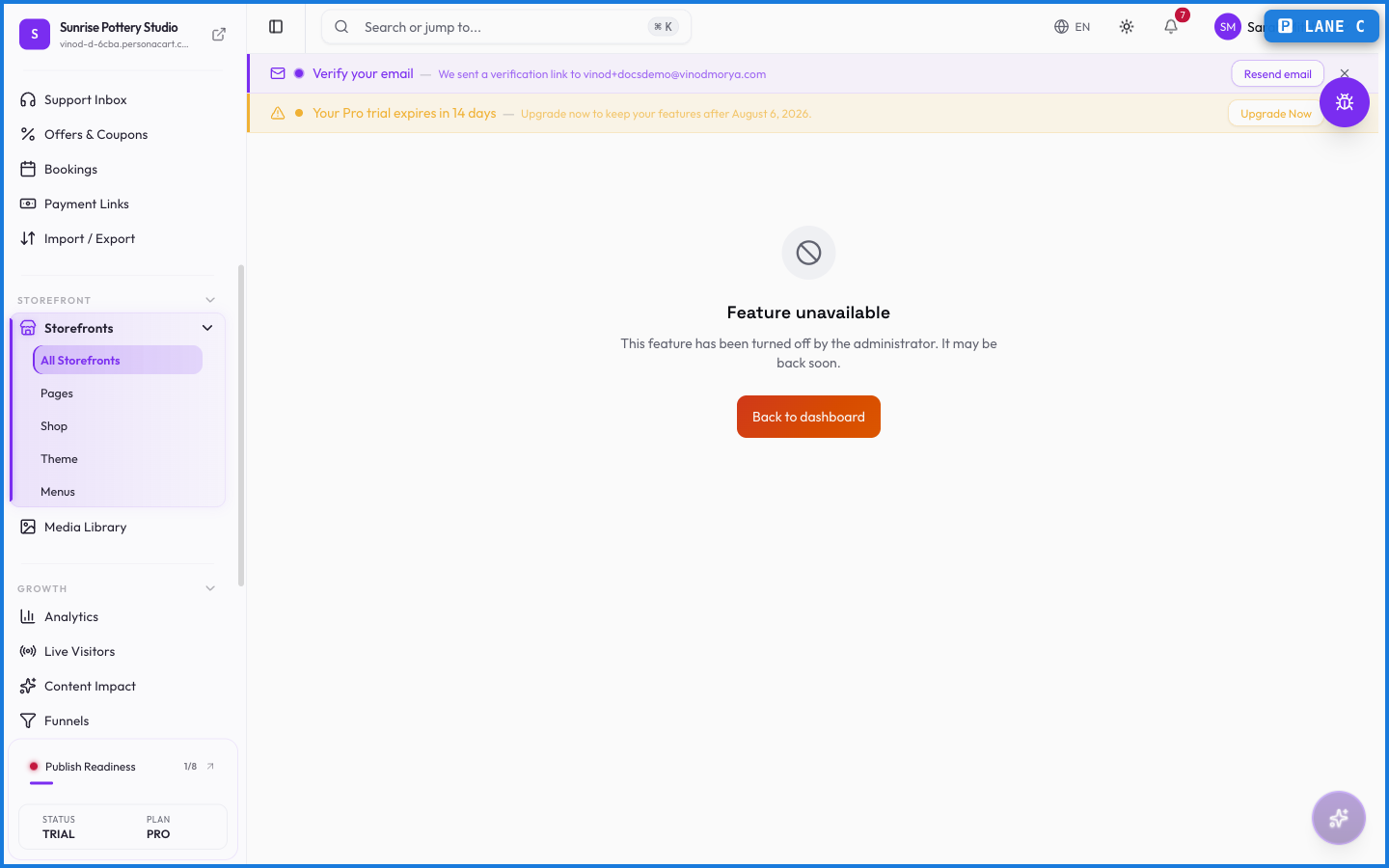
Sidebar → STOREFRONT → Content. Availability can depend on your plan and enabled features, so it may not show on every store.
What happens — and what doesn't
- Content works alongside the editor and pages — it's the material those pages present.
- Files (images, video, PDFs) belong in the Media Library; Content is about the writing and structured pieces.
- Whether this section appears depends on your plan and which features your store has turned on.
What's the difference between Content and the Media Library?
Content is the writing and structured pieces that fill your pages. The Media Library holds the actual files — images, video, audio, and documents — those pieces use.
Why don't I see a Content item in my sidebar?
Its availability depends on your plan and the features your store has enabled. Not every store shows it.
Every field on this screen
Every control here, read straight from the live app.
| Field | Type | What it accepts | What it does |
|---|---|---|---|
| article-url-slug | Text | — | |
| Category | Dropdown | — | |
| Search articles | Text | — | |
| Status | Dropdown | — |
4 fields, read from the live app. Which ones you see depends on the product type and your plan.
What this screen looks like in every state
| State | When you'll see it | What you see, and what to do |
|---|---|---|
| Loading | The screen is fetching your data | A skeleton in the shape of the finished page. It should be brief — if it persists, the load has failed rather than stalled. |
| Error | The data couldn't be loaded | A message with a retry. Retry first: most of these are a dropped request, not a broken store. If it repeats, the outage is upstream and reloading won't help. |
| No access | Your role doesn't include this screen | A permission notice instead of the page. An owner or admin can grant access under Settings → Team. |