Profile
In short: Your own photo, name, phone and sign-in email in PersonaCart: what each is used for, how to change them, and what only the owner can change.
Profile is about you as a person, not your store. Every teammate has their own profile, and nobody else can change yours.
Where to find it
- Sidebar → SETTINGS → Your account → Profile and look (the row reads "Your photo, name and sign-in details").
- You can also reach it from your account menu.
- Every role can open it, including Viewer, Support and Coach.
- A coach sees a coach version of the same page, where the name is set by the academy.
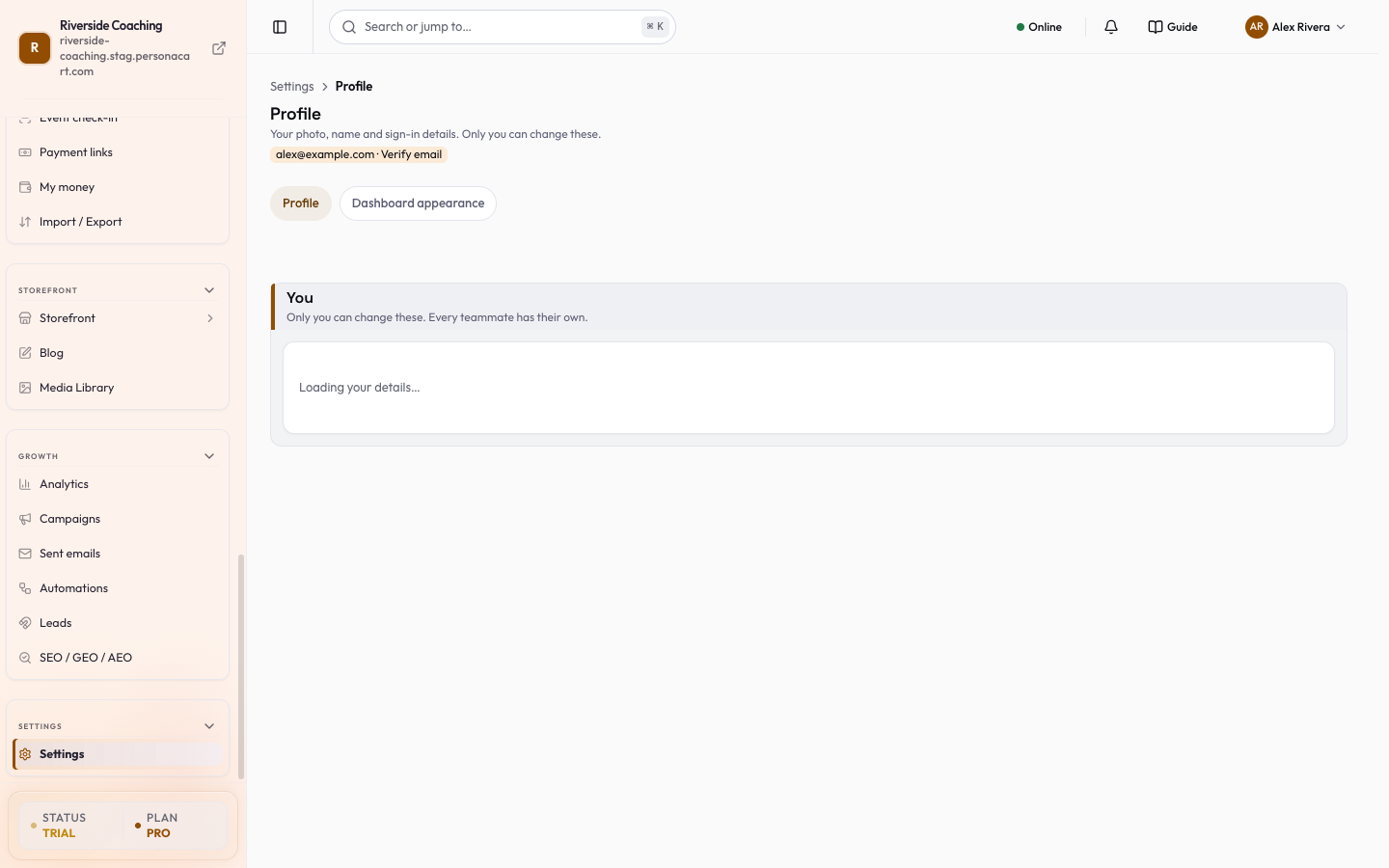
What is on the page
Your details
- Photo. Press Add photo (or Change photo). A Select Media window opens with Browse, Upload and URL. Pick an image of up to 10 MB, then confirm.
- The photo shows in your account menu and saves the moment you pick it; a message offers Undo.
- Press Escape to close the window without changing anything.
- Use Adjust framing to reposition the photo and Remove to delete it.
- Your name. Used for your dashboard greeting, your account identity, emails PersonaCart sends you and your plan receipts. It does not set your store name or the sender name of customer emails. At least 2 characters; one word is fine.
- Phone (optional), with a Country code. It is shared with the payment provider (the payment provider) when you pay for your PersonaCart plan.
Sign-in
- Sign-in email. Read-only. A green Verified or Not verified tag shows its state; if it is not verified, Send verification link emails you a link. To change the email itself, contact support.
- Your role. Owner, Admin, Editor, Viewer, Support or Coach, set by the store owner. See Team and roles.
Good to know
If you have no passkey yet, a card under "1 thing needs you" reads "Your account has no passkey" and offers Add a passkey. It takes about 30 seconds and replaces the password. Passkeys are managed in Security.
- Store name, support contact, address and currency are not here; they are in Business details and Store basics.
- Press ? on any page to open a short guide for it.
- The page also has a Dashboard appearance tab next to Profile.
- Teammates see a note saying the store clock and business details are managed by the owner.
Questions
Can I change my sign-in email?
Not on this page. It is read-only. To change it, contact support.
Does my name change my store name?
No. Your name is used for your dashboard greeting, your account identity and emails PersonaCart sends you. Your store name is in Store basics.
Why can I not edit some things?
Your role decides. Store details are managed by the owner. See Team and roles.
Related
Part of Store Settings Guide · Product page: PersonaCart features