Notifications
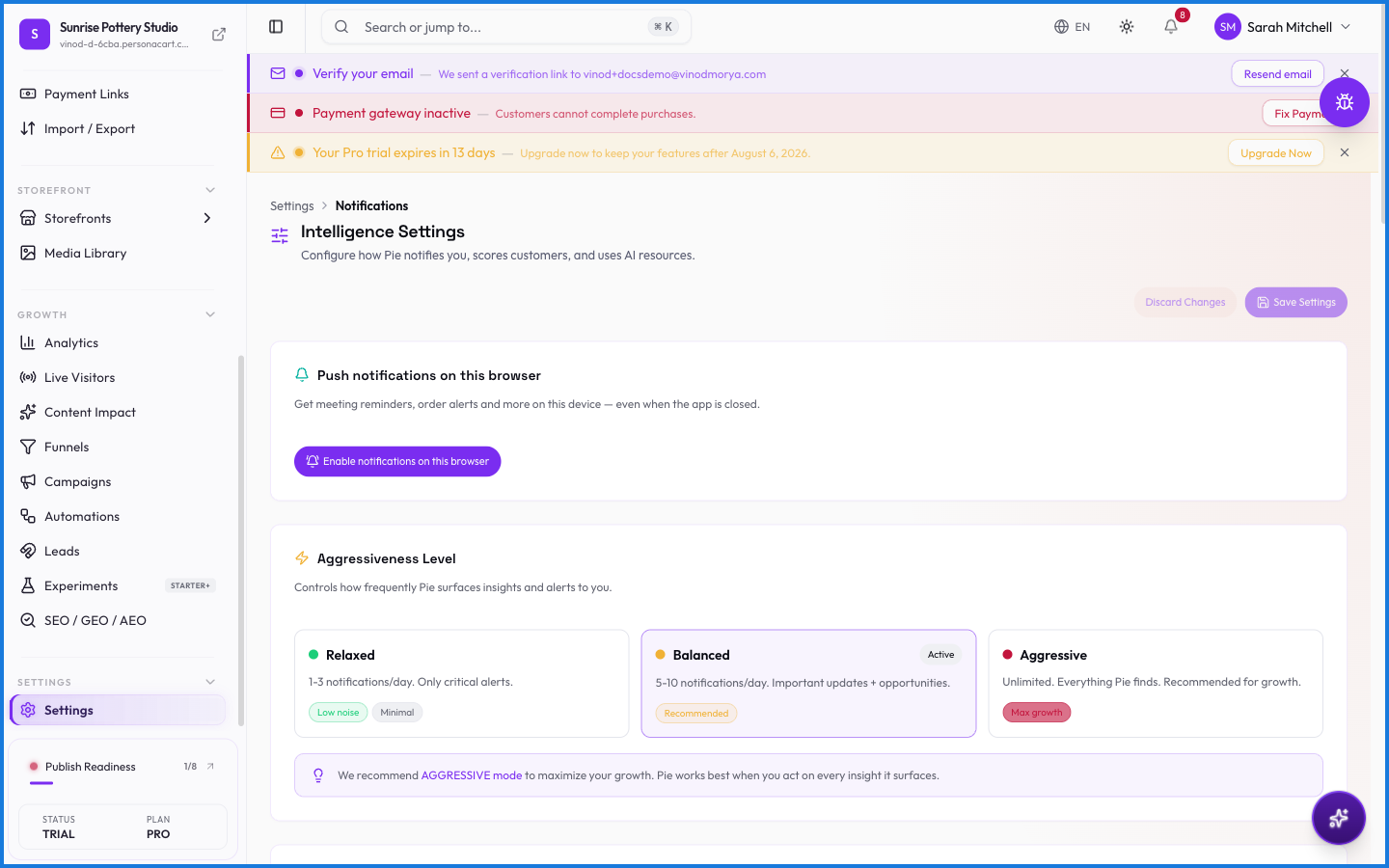
Notifications are the emails your store sends on its own — an order confirmation, a shipping update, a receipt. This is where you control which go out and what they say, through editable templates.
Where to find it
Sidebar → SETTINGS → Settings → Email Templates.
What happens — and what doesn't
- These are transactional emails — triggered by an event like a purchase or a shipment, sent automatically.
- Each template is editable, so the wording matches your brand.
- Marketing sends (announcements, promos) are separate — those are campaigns and automations.
- Emails carry your brand identity, so buyers see your name, not PersonaCart's.
What emails does my store send automatically?
Transactional ones — order confirmations, shipping updates, receipts — triggered by events. You control the wording through editable templates.
How is this different from campaigns?
Notifications are automatic, event-triggered emails (like a receipt). Campaigns and automations are marketing messages you set up separately.
Every field on this screen
Every field for the emails your store sends. Read straight from the live app, so it matches what you see.
| Field | Type | What it accepts | What it does |
|---|---|---|---|
| Business address (required for marketing — CAN-SPAM) | Text | — | |
| Contact line | Text | — | |
| Do not disturb between | Text | — | |
| Enable Quiet Hours | Text | — | |
| Footer text | Text | — | |
| Logo Width: px | Slider | — | |
| Preheader (inbox preview line) | Long text | — | |
| Quiet hours end time | On/off | — | |
| Reply-to | Long text | — | |
| Sender name | Long text | — | |
| Signature / sign-off | Long text | — | |
| Tagline | Text | — | |
| Template name | Slider | — | |
| Top banner image URL (optional) | Long text | — | |
| Website | Text | — |
15 fields, read from the live app. Which ones you see depends on the product type and your plan.
What this screen looks like in every state
| State | When you'll see it | What you see, and what to do |
|---|---|---|
| Empty | You haven't created anything here yet | “No email templates” — with a shortcut to create the first one. Nothing is wrong; there's just nothing to show yet. |
| Loading | The screen is fetching your data | A skeleton in the shape of the finished page. It should be brief — if it persists, the load has failed rather than stalled. |
| Error | The data couldn't be loaded | A message with a retry. Retry first: most of these are a dropped request, not a broken store. If it repeats, the outage is upstream and reloading won't help. |
| No access | Your role doesn't include this screen | A permission notice instead of the page. An owner or admin can grant access under Settings → Team. |
When something goes wrong
These are the messages this screen can show you, and what each one means.
| If you see | What to do |
|---|---|
| Couldn't delete template | The change didn't save. Retry — if it keeps failing, the request isn't reaching the server. |
| Couldn't save template | The change didn't save. Retry — if it keeps failing, the request isn't reaching the server. |
| Failed to reset template | The change didn't save. Retry — if it keeps failing, the request isn't reaching the server. |
| Failed to update template | The change didn't save. Retry — if it keeps failing, the request isn't reaching the server. |