Settings
In short: Settings is the setup behind your store: business details, payments, shipping, tax, emails, team, connected apps and AI, and your plan.
The setup behind your store. Set most of it once, then come back when something changes. Pick a card to open its guide. In this video you will learn how the Settings home is laid out. It is for any owner who asks where do I change this. After it you will use the job shortcuts, read the things that need a look, see recent changes, and find each group of settings. Start here. Each card is a job, like store name, plan, team, payments or logo. This list shows what needs a look. Open an item to fix it. Recently changed shows the last seven days, newest first. Under Your account, only you see these. Sign-in and security lives here. Your store holds details, payments and team. Everyone on the team shares these. Sell and reach customers covers checkout, offers and email. So: start from a job card, check what needs a look, then find your group. Thank you so much for watching PersonaCart. To read the full guide, go to docs dot personacart dot com. To try PersonaCart yourself, go to personacart dot com. And subscribe, so you do not miss the next tutorial.Video transcript
What is Settings?
Settings holds everything you set once and change rarely: how buyers pay you, where you ship, what your emails look like, who on your team can do what, and which apps and AI tools can work with your store.
What you can do
- Name your store and set country and currency in Store basics and Business details
- Connect Stripe and choose payment methods in Payments
- Set shipping, taxes and cart and checkout
- Shape every automatic email in email templates and check they arrive with deliverability
- Send class reminders by text message
- Invite helpers with their own role in Team
- Put your store on your own web address with Domains
- Let Claude, ChatGPT or Cursor work with your store through MCP in Connect AI
- See your plan and bills in Billing and plans
Who uses it
- Store owners setting up a new store.
- Anyone who needs to change how payments, shipping, emails or access work.
See it
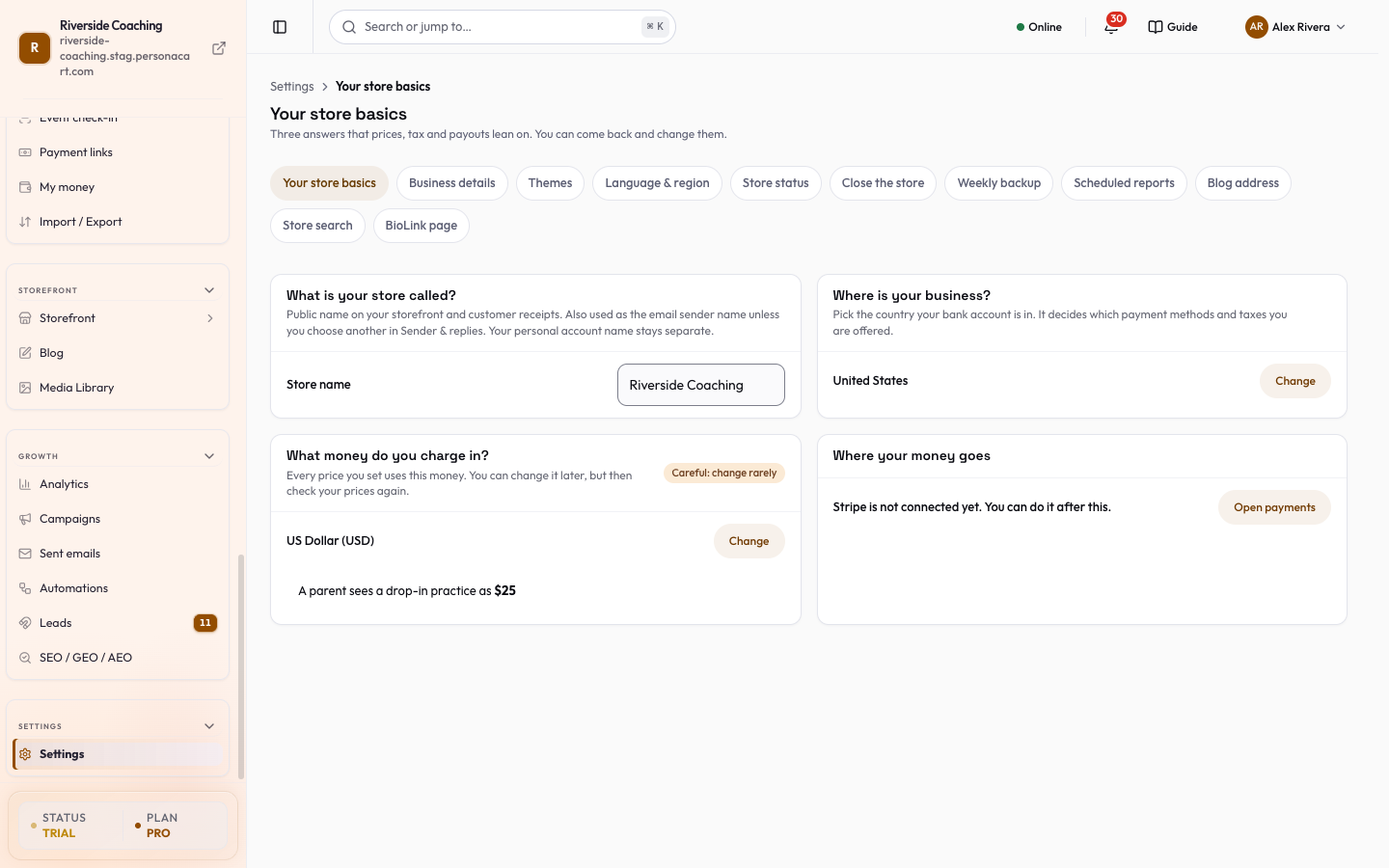
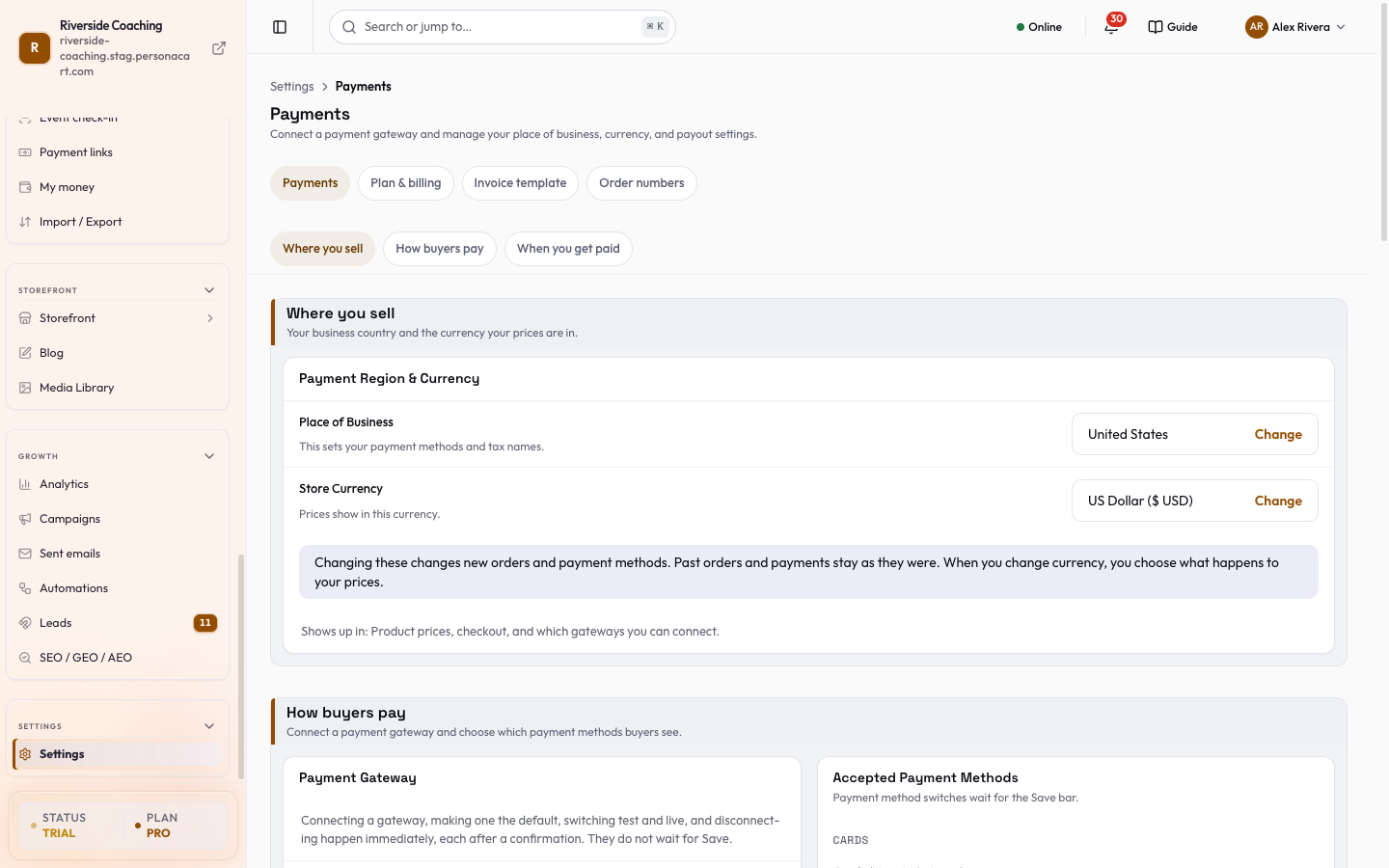
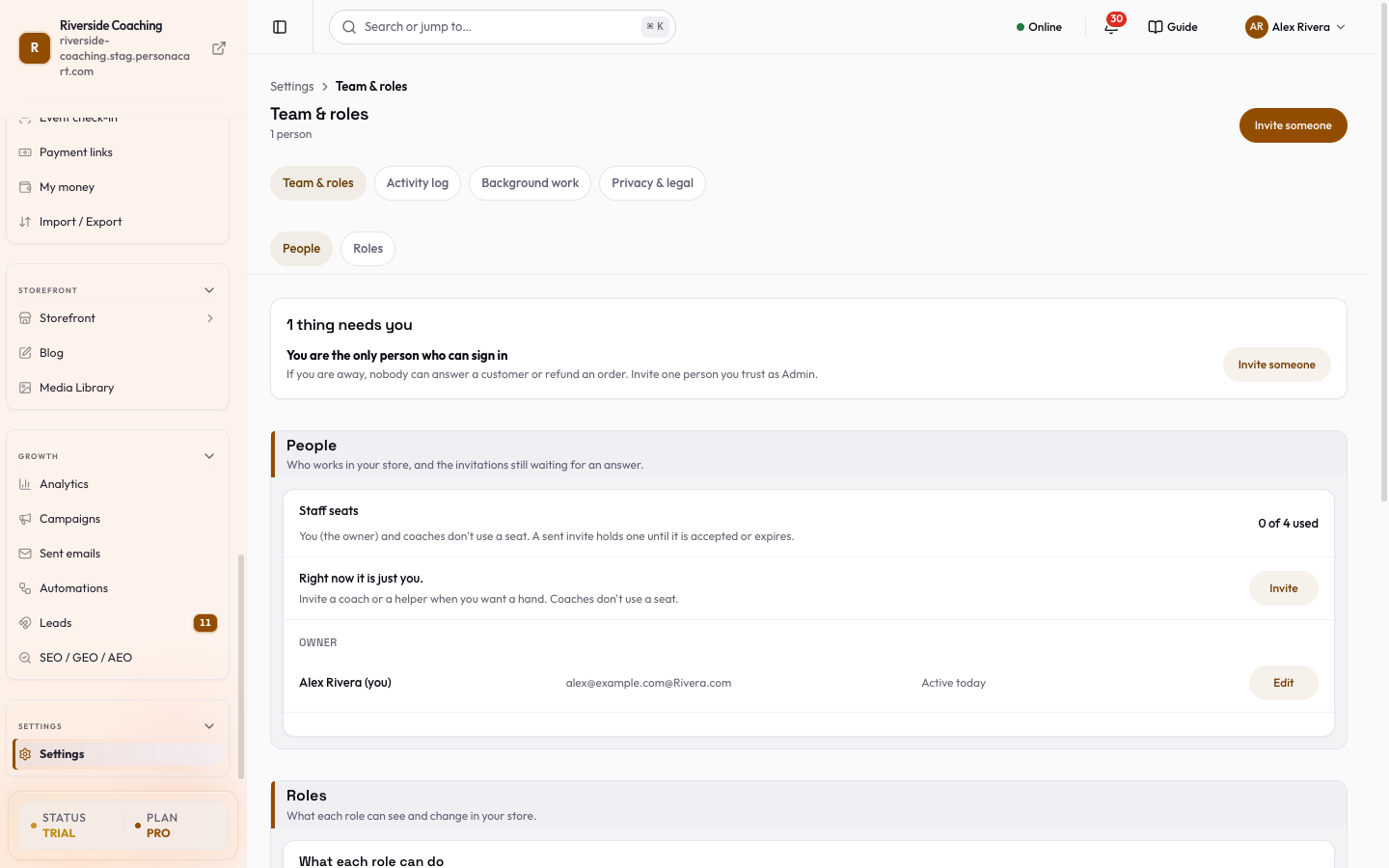
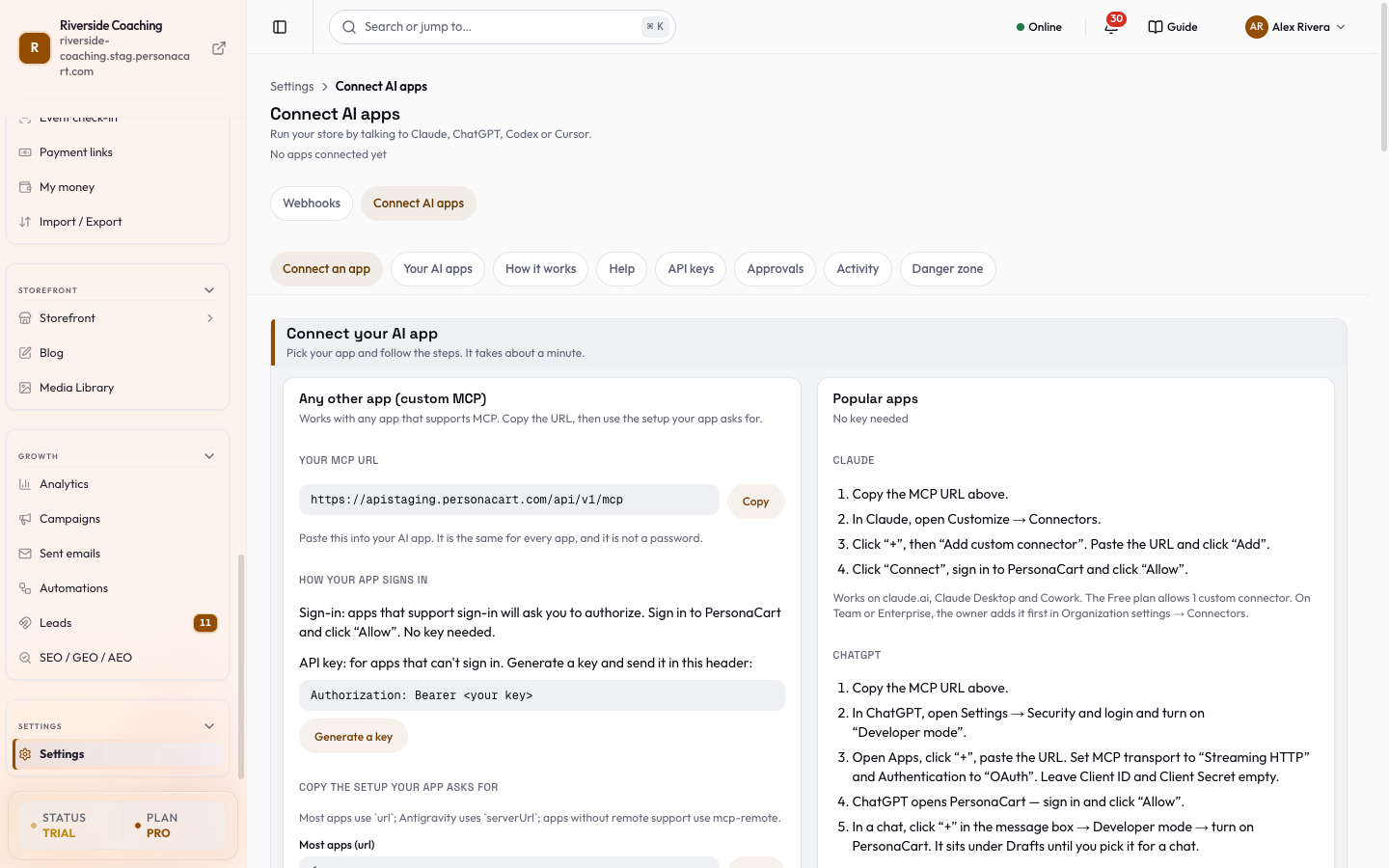
Watch it in the introduction film: Payments (2:33), Connect your AI (MCP) (4:14).
Your store
Selling and getting paid
Emails and messages
People and records
Connections and tools
Your account and plan
What this screen looks like in every state
| State | When you'll see it | What you see, and what to do |
|---|---|---|
| Loading | The screen is fetching your data | A skeleton in the shape of the finished page. It should be brief — if it persists, the load has failed rather than stalled. |
| Error | The data couldn't be loaded | A message with a retry. Retry first: most of these are a dropped request, not a broken store. If it repeats, the outage is upstream and reloading won't help. |
| Not on your plan | Your plan does not include this feature | An upgrade prompt naming the plan that unlocks it. Nothing you have made is lost — it becomes reachable again on the right plan. |
What is Store Settings Guide in PersonaCart Docs?
Settings is the setup behind your store: business details, payments, shipping, tax, emails, team, connected apps and AI, and your plan.
What topics does Store Settings Guide cover?
The main pages are: Settings overview, Store basics, Business details, Brand kit, Domains, Close the store, Language and region, Store search, and 38 more.
Where do I start in Store Settings Guide?
Start with Settings overview.
Related
Product page: PersonaCart features