Year plan
In short: Where the PieOS Year plan lives now: upcoming moments in Grow, the Event catalog where you pick dates, and how Pie turns each date into drafts you approve.
The Year plan is Pie's long view: the dates that matter to your store across the year, and the work Pie prepares before each one. It keeps Pie's suggestions pointed at something bigger than the next task.
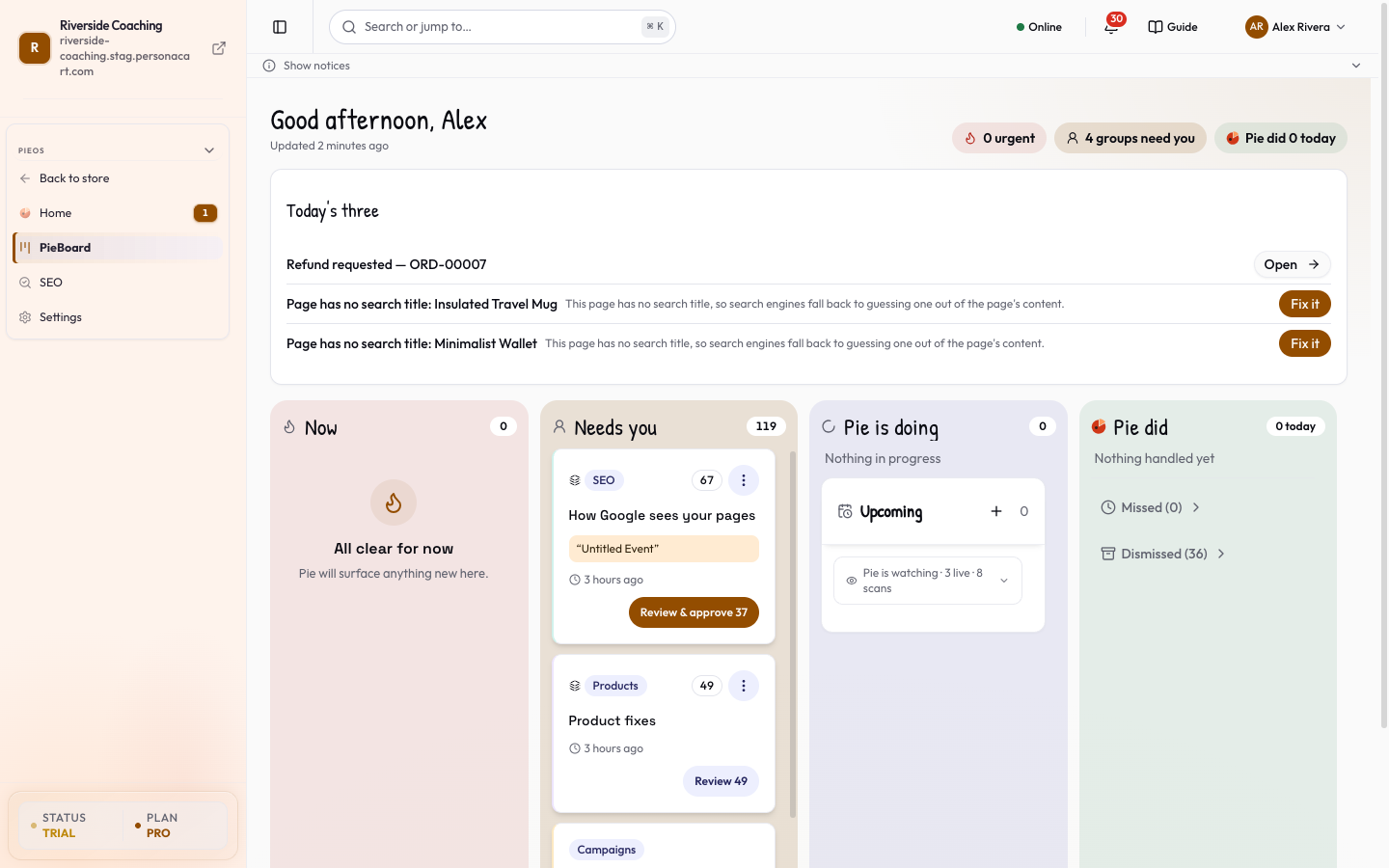
There is no separate Year plan screen. It was removed on purpose. If you open /pie-os/year-plan, you land on the PieBoard. Your dates now live in Grow, and you choose them in the Event catalog.
Where to find it
| You want to | Go to |
|---|---|
| See the next moments and what Pie has prepared | PieOS → Grow, tab What's coming. See Grow. |
| See the drafts Pie made for those moments | Grow, tab Pie's drafts, and the PieBoard. |
| Choose which dates Pie plans for | Event catalog. See Event catalog. |
The old address /pie-os/year-plan opens the PieBoard. Old bookmarks and email links still work, but they do not show a plan. Use the links above.
Choose what Pie plans for
The first time, Pie shows The moments Pie put on your plan, with every date ticked. It picks dates that matter where you sell.
- Untick any date you don't want Pie preparing for. Hover a date to see when Pie starts preparing.
- Press Yes, that's right. You see "Saved — that is your plan."
Later, add or remove dates in the Event catalog.
How Pie uses a date
- Each date has a lead time: how many days before it Pie starts preparing. In Grow, a date whose window is open reads "Worth starting now".
- When the window opens, Pie prepares work as a campaign, opportunity, suggestion or draft. Each one waits for your yes.
- Once a week Pie may ask "Should Pie draft a plan for them?" Press Yes, draft it or Not this week. If you say no, Pie asks again next week.
Every draft still goes through Approvals. Pie sends and publishes nothing for a date on its own.
Questions
What is the Year plan for?
It lists the dates that matter to your store and gets Pie to prepare drafts before each one, so its suggestions line up with your calendar.
Where did the Year plan page go?
The next moments are in Grow under What's coming. You choose dates in the Event catalog. There is no Year plan screen any more. The old address opens the PieBoard.
Does the plan send campaigns by itself?
No. Pie prepares drafts and waits for your approval.
Can I remove a date I don't want?
Yes. Untick it in the first-time list, or press Watching to turn it off in the Event catalog.
Related
Part of PieOS: Business Operating System · Product page: PersonaCart with PieOS