PieOS settings
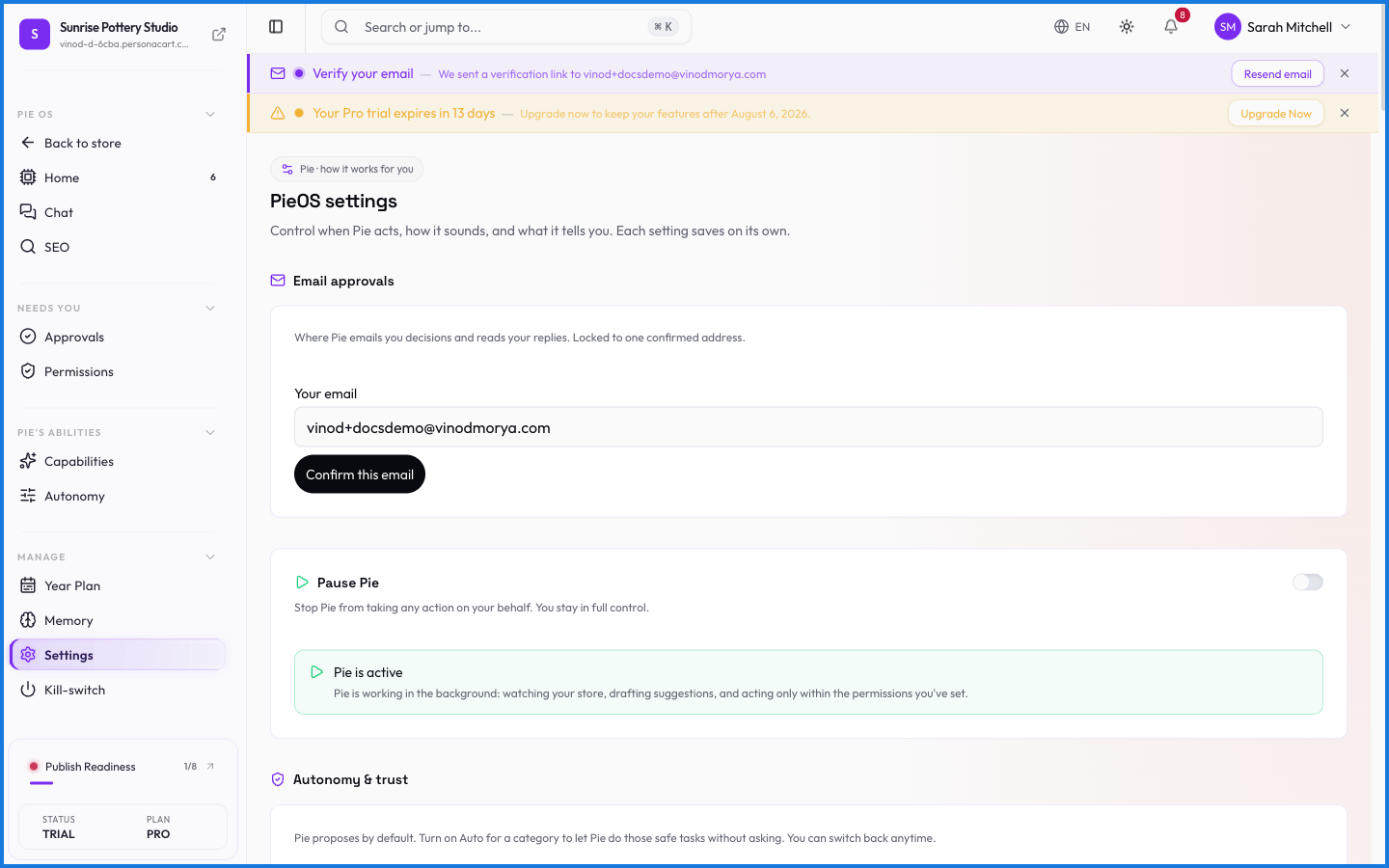
PieOS settings are where you tune how the business operating system behaves — its defaults and preferences. It sits alongside the control surfaces that matter most: autonomy, permissions, and the kill-switch.
Where to find it
Sidebar → HOME → PieOS → Settings.
What happens — and what doesn't
- These settings shape PieOS's defaults — how it behaves before you intervene on a specific task.
- The heavy-duty controls have their own pages: autonomy for independence, permissions for access, kill-switch for a full stop.
- Nothing here loosens the safety model — approvals and tenant isolation always apply.
Where do I control how much PieOS does on its own?
The Autonomy page sets its independence, Permissions sets what it can touch, and the Kill-switch stops it entirely. PieOS settings tune its general defaults and behavior.
Every setting on this screen
Read straight from the live app.
| Field | Type | What it accepts | What it does |
|---|---|---|---|
| Business stage | Dropdown | — | |
| From | Text | — | |
| Quiet hours | Text | — | |
| Time you can give per day | Slider | — | |
| Until | Text | — | |
| Where should Pie reach you? | On/off | — |
6 fields, read from the live app. Which ones you see depends on the product type and your plan.
What this screen looks like in every state
| State | When you'll see it | What you see, and what to do |
|---|---|---|
| Loading | The screen is fetching your data | A skeleton in the shape of the finished page. It should be brief — if it persists, the load has failed rather than stalled. |