Permissions
Permissions decide what PieOS is even allowed to attempt. Before it can act in an area — products, pages, marketing — you grant it access. Take a permission away and it can no longer touch that part of your store.
Where to find it
Sidebar → HOME → PieOS → Permissions.
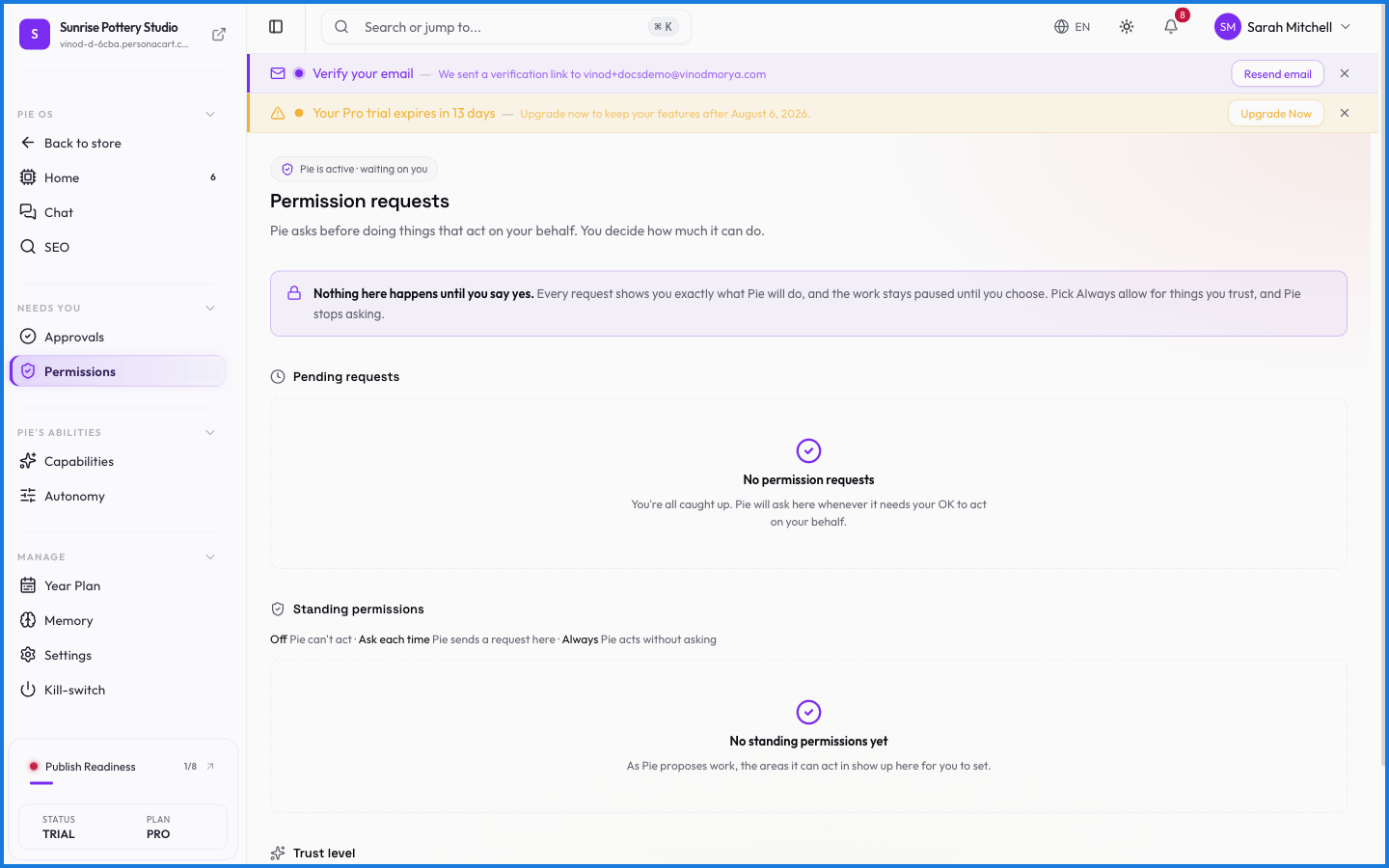
What happens — and what doesn't
- A permission is the gate before the proposal — without it, PieOS won't even suggest an action in that area.
- Revoking access is immediate; PieOS stops touching that area at once.
- Permissions pair with Approvals: permission says where it can work, approvals say whether a specific action ships.
- Permissions never extend beyond your store — no grant can reach another creator's data.
What's the difference between Permissions and Approvals?
Permissions decide which areas PieOS may act in at all. Approvals decide whether a specific proposed action actually ships. Together they bound what the AI can do and when.
What happens if I revoke a permission?
PieOS immediately stops acting in that area — it can no longer propose or perform actions there until you grant it again.
What this screen looks like in every state
| State | When you'll see it | What you see, and what to do |
|---|---|---|
| Loading | The screen is fetching your data | A skeleton in the shape of the finished page. It should be brief — if it persists, the load has failed rather than stalled. |