Memory
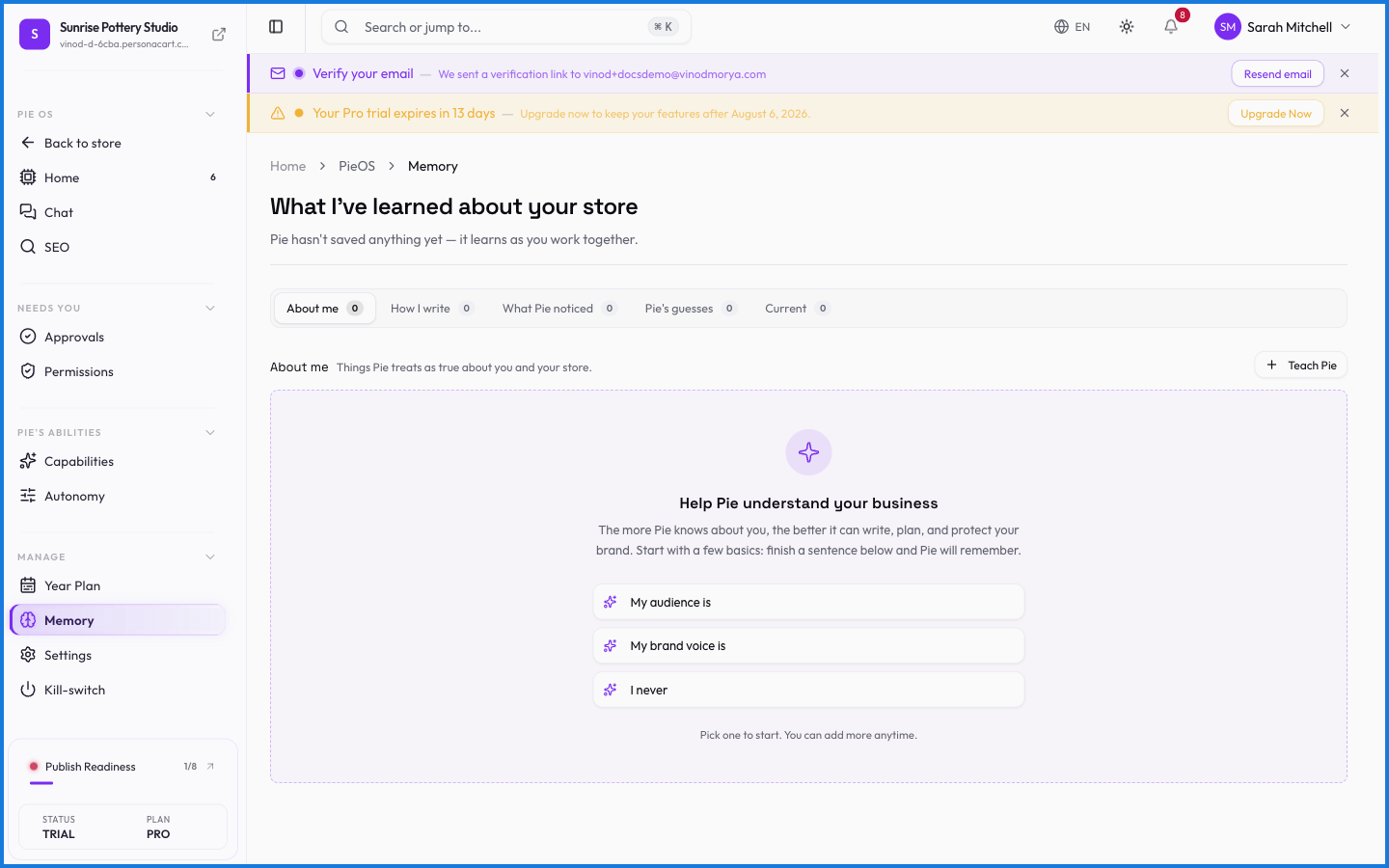
Memory is what lets PieOS stay consistent. It holds the context about your store and how you like things done — your preferences, past decisions, the details that shouldn't have to be re-explained. You can see and edit what it remembers.
Where to find it
Sidebar → HOME → PieOS → Memory.
What happens — and what doesn't
- Memory keeps PieOS consistent — it applies your preferences without being reminded each session.
- You can view and edit it, so nothing it remembers is a black box.
- Memory is yours alone — it's part of your store's isolated context and never mixes with another creator's.
What does PieOS remember?
Context about your store and how you like things done — preferences, past decisions, details worth keeping. You can view and edit its memory, so it's never a black box.
Is my PieOS memory private?
Yes. Memory is part of your store's isolated context. It's never shared with or reachable from any other creator's store.
What this screen looks like in every state
| State | When you'll see it | What you see, and what to do |
|---|---|---|
| Loading | The screen is fetching your data | A skeleton in the shape of the finished page. It should be brief — if it persists, the load has failed rather than stalled. |