Kill-switch
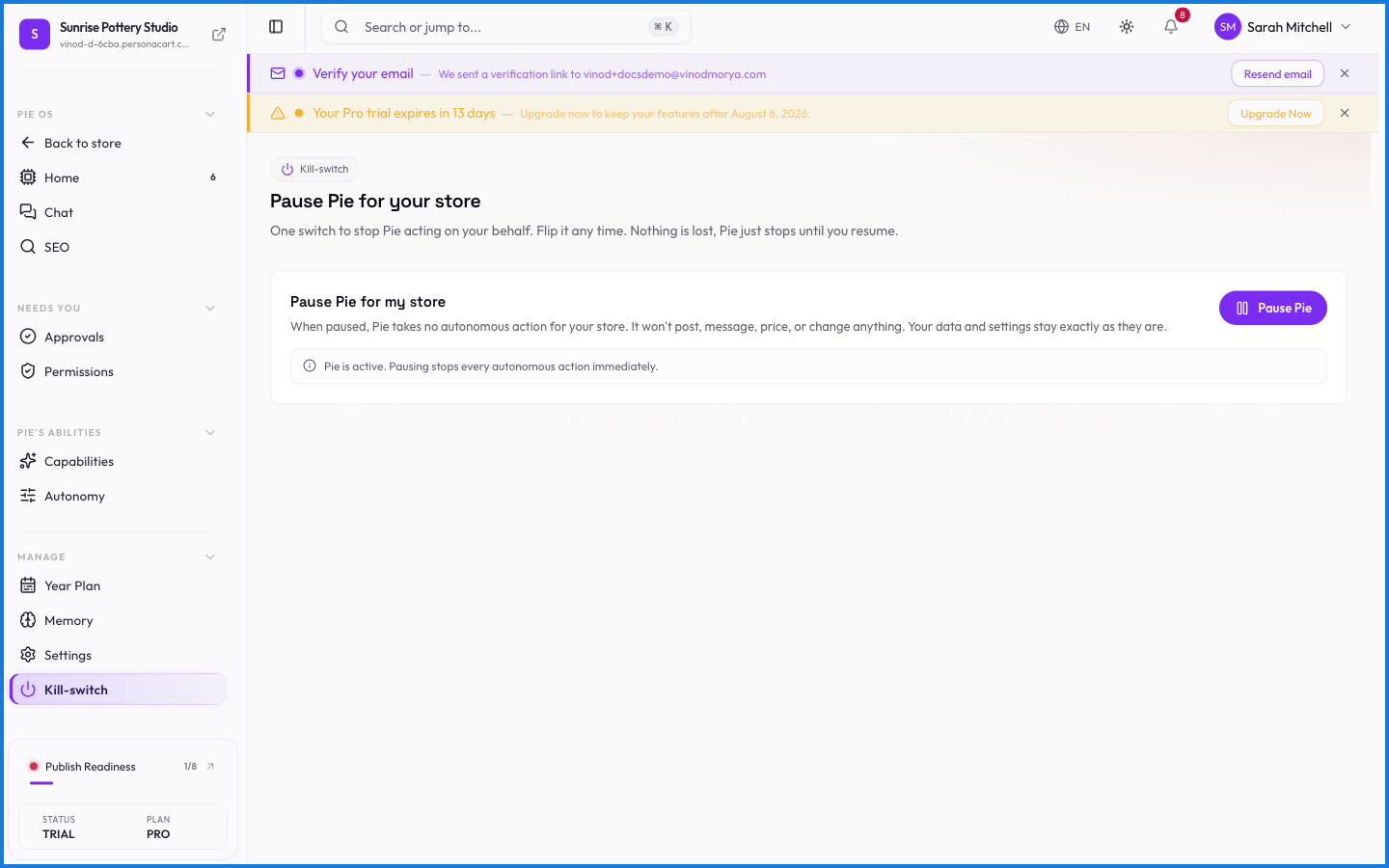
The kill-switch is the emergency brake. Flip it and PieOS stops — no more actions, no more proposals, until you turn it back on. It works regardless of how much autonomy you've given the AI, so you always have a hard stop.
Where to find it
Sidebar → HOME → PieOS → Kill-switch.
What happens — and what doesn't
- The switch is a hard stop — PieOS halts immediately, whatever it was doing.
- It overrides autonomy: even at the highest independence, the kill-switch wins.
- Turning it back on resumes normal operation; it doesn't erase your settings or memory.
- It's the last line of the safety model, on top of permissions and approvals.
What does the PieOS kill-switch do?
It stops PieOS instantly — no further actions or proposals until you switch it back on. It works at any autonomy level, so you always have a hard stop.
Does the kill-switch erase my PieOS setup?
No. It halts activity. Turning it back on resumes normal operation with your settings and memory intact.
What this screen looks like in every state
| State | When you'll see it | What you see, and what to do |
|---|---|---|
| Loading | The screen is fetching your data | A skeleton in the shape of the finished page. It should be brief — if it persists, the load has failed rather than stalled. |