Media Kit
A Media Kit is a polished, shareable page about you and your business — your reach, what you offer, and why a partner or sponsor should work with you. It turns your store's data into a pitch you can send.
Where to find it
Sidebar → GROWTH → Media Kit.
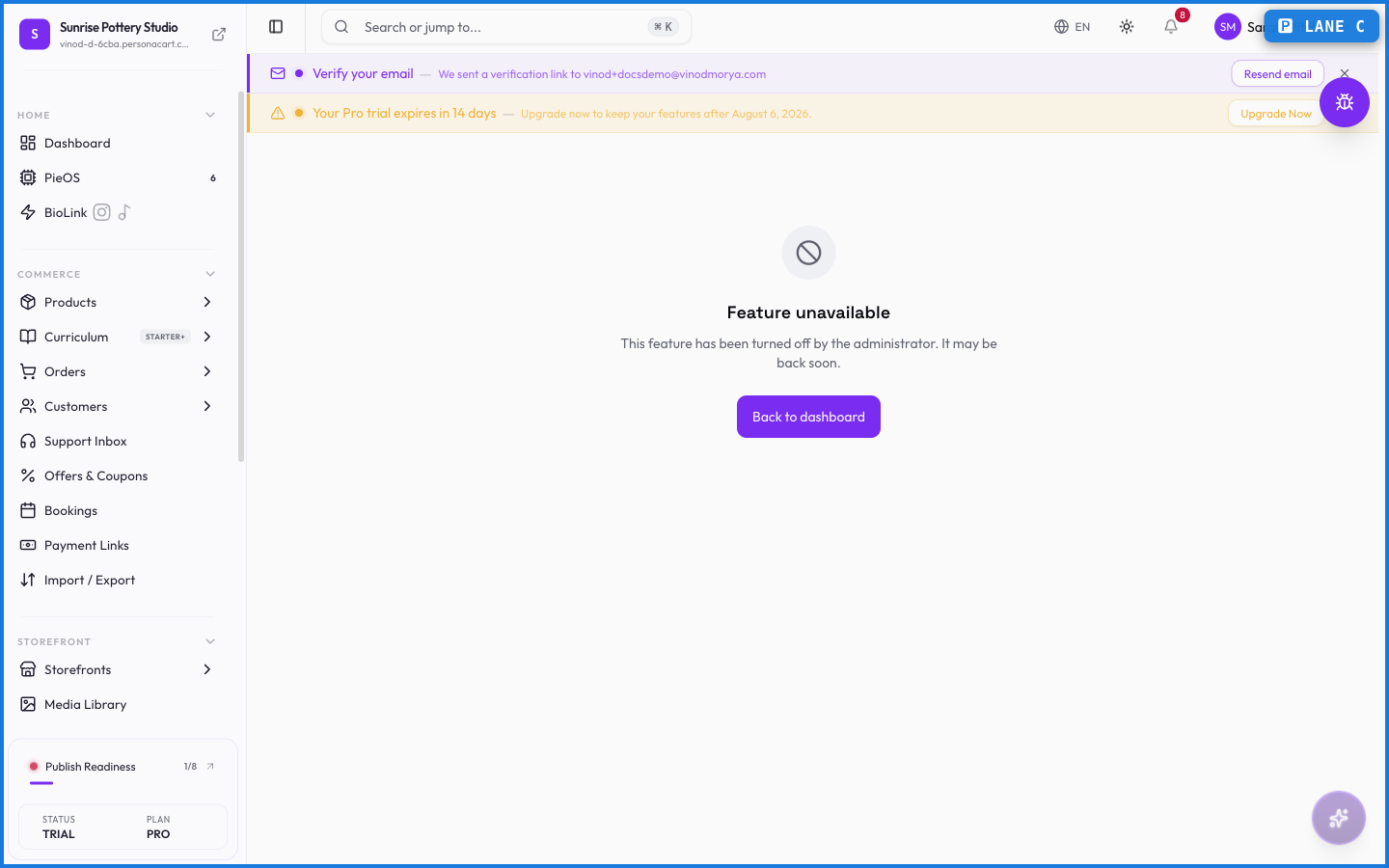
What happens — and what doesn't
- The kit pulls from your store's real data and brand, so it stays current.
- It's built to share — send the link to a potential sponsor or collaborator.
- It presents your business; it doesn't change anything about your store's setup.
What's a media kit for?
Pitching partnerships and sponsorships. It packages your brand, reach, and offerings into a shareable page you can send to a potential partner.
Does the media kit update automatically?
It draws on your store's real data and brand, so it reflects your current business rather than a one-time snapshot you'd maintain by hand.
Every field on this screen
Every control here, read straight from the live app.
| Field | Type | What it accepts | What it does |
|---|---|---|---|
| A short tagline about you | Text | — | |
| Asset name | Text | — | |
| Description of what's included | Text | — | |
| Label (e.g. Followers) | Text | — | |
| Service (e.g. Sponsored Post) | Text | — | |
| Value (e.g. 50K) | Text | — | |
| Your name or brand name | Text | — |
7 fields, read from the live app. Which ones you see depends on the product type and your plan.
What this screen looks like in every state
| State | When you'll see it | What you see, and what to do |
|---|---|---|
| Loading | The screen is fetching your data | A skeleton in the shape of the finished page. It should be brief — if it persists, the load has failed rather than stalled. |
| Error | The data couldn't be loaded | A message with a retry. Retry first: most of these are a dropped request, not a broken store. If it repeats, the outage is upstream and reloading won't help. |
| No access | Your role doesn't include this screen | A permission notice instead of the page. An owner or admin can grant access under Settings → Team. |
When something goes wrong
These are the messages this screen can show you, and what each one means.
| If you see | What to do |
|---|---|
| Creator name is required | A required field is blank. Fill it in and save again. |
| Failed to save media kit | The change didn't save. Retry — if it keeps failing, the request isn't reaching the server. |
| This link isn't available yet. | Retry the action. If it keeps happening, contact support with what you were doing. |