Help & Support
Stuck on something these docs don't answer? The app has a built-in support hub with three ways to reach a human.
Where to find it
Open the profile menu (avatar, top right) and click Help & Support.
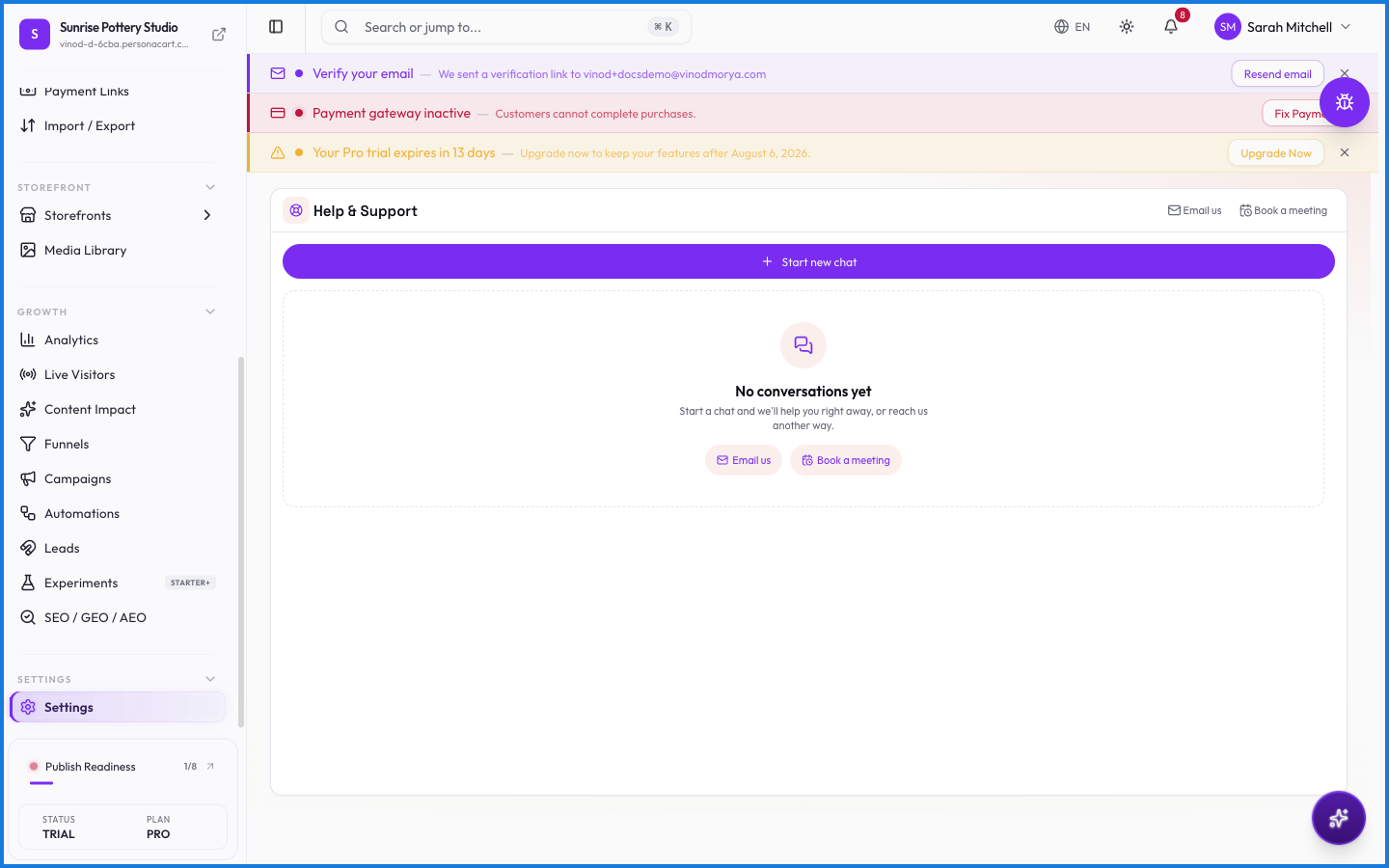
Your three options
- Email us. Opens an email to the support team. Good for anything that isn't urgent or needs attachments.
- Book a meeting. Schedules a call. Best for onboarding help or anything easier to show than to type.
- Start new chat. Live chat with the support team. This is usually the fastest route.
How live chat works
- Every conversation gets a ticket number (like #PC-1022) so you and the team can refer back to it.
- Chats connect you with an agent. If your question needs someone specific, the conversation can be transferred to another team member.
- When a chat closes, you can rate it (1–5). Ratings go straight to the team.
- Your earlier conversations stay listed on the same screen, with their status. An open conversation shows a Continue button — pick up where you left off instead of starting over.
What happens — and what doesn't
- Chat history is per account. Switching stores doesn't lose your tickets.
- Closed tickets stay readable but can't be reopened — start a new chat and mention the old ticket number if it's related.
- Support sees your account context when you write in, so you usually don't need to explain which store you're on.
What's the fastest way to get help?
Start a live chat from Help & Support. You get a ticket number immediately and can continue the conversation later from the same screen.
Can I see my old support conversations?
Yes. The Help & Support screen lists every past conversation with its ticket number and status. Open ones show a Continue button.
I closed my chat by accident. Is it gone?
No. It's still in your conversation list. If it's marked closed, start a new chat and reference the old ticket number.
Related
- Your workspace
- Support Inbox — the inbox for your buyers' messages to you
- PieOS chat — ask the AI before you ask a human