Quizzes
Quizzes check that learners actually absorbed a lesson. They live inside the curriculum tools and can gate progress — pass to move on — or feed a completion certificate.
Pro Quizzes are part of the course tools on a paid plan.
Where to find it
Sidebar → COMMERCE → Curriculum → Quizzes.
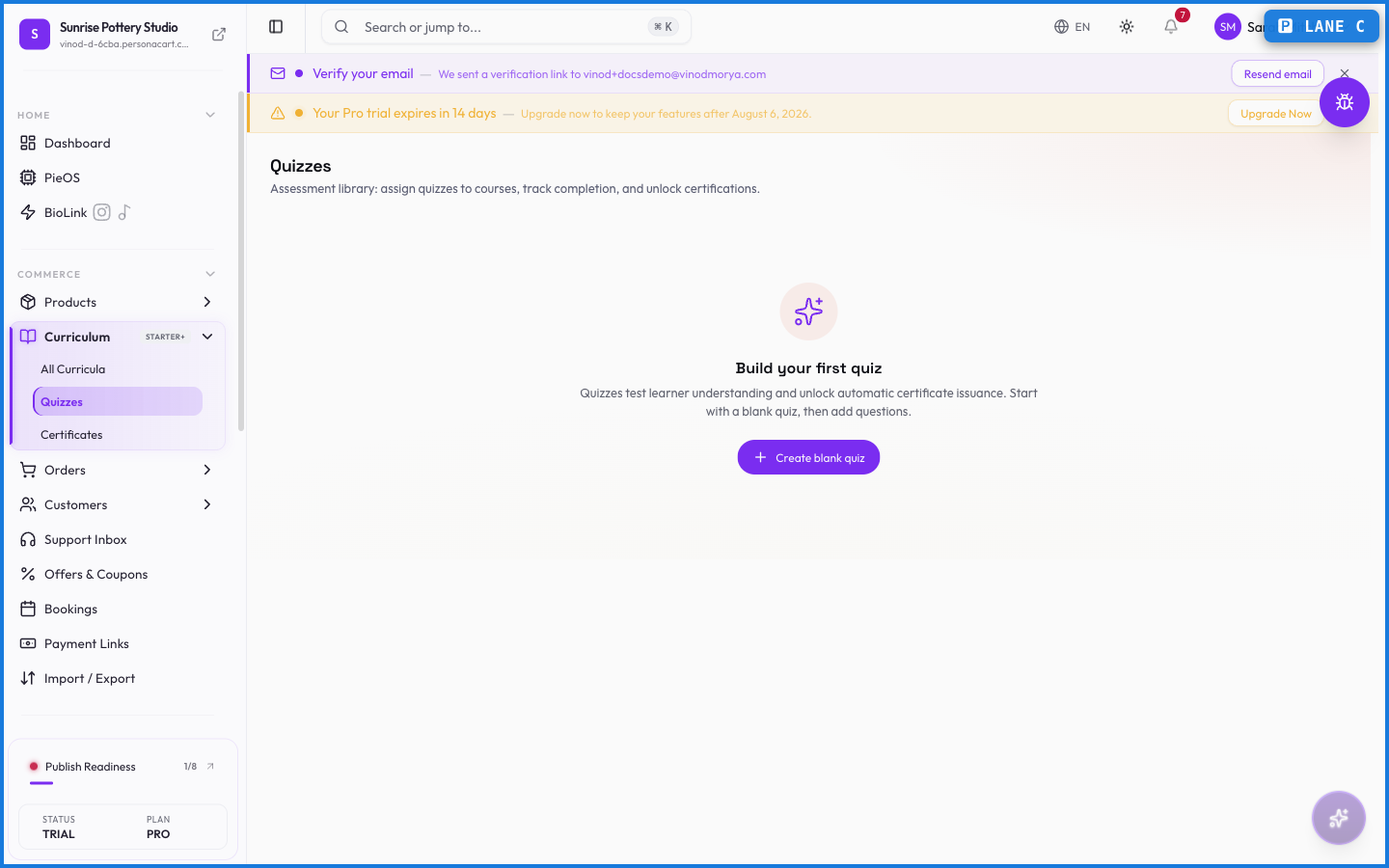
Building a quiz
A quiz is a set of questions with correct answers and a passing score. You attach it to a point in a course, and learners take it as they work through the material. Their results are recorded against their progress.
What happens — and what doesn't
- A quiz can gate progress — a learner has to pass before the next section opens — or simply record a score.
- Quiz results feed certificates: passing can be the condition for earning one.
- Results are tracked per learner, part of the same progress record that drives the rest of the course.
Can a quiz block progress until passed?
Yes. You can set a quiz to gate the next section, so learners must reach the passing score before continuing — or leave it as a recorded score with no gate.
Do quizzes connect to certificates?
They can. Passing a quiz can be the condition a learner meets to earn a completion certificate.
Every field on this screen
Every field for building a quiz and its questions. Read straight from the live app, so it matches what you see.
| Field | Type | What it accepts | What it does |
|---|---|---|---|
| Accepted Answers | Text | — | |
| Curriculum | Dropdown | — | |
| Expected Answer Keywords | Text | — | e.g. Enter keywords separated by commas... |
| Module | Dropdown | — | Choices: No modules in this curriculum |
| Option {index} | Text | — | |
| Options | Choice | — | |
| Points | Number |
| |
| Question Text | Number | — | |
| Shuffle | On/off | — | |
| Title | Text | — | e.g. e.g. Module 1 Assessment |
| Type | Dropdown | — | Choices: Multiple ChoiceTrue/FalseShort Answer |
11 fields, read from the live app. Which ones you see depends on the product type and your plan.
What this screen looks like in every state
| State | When you'll see it | What you see, and what to do |
|---|---|---|
| Loading | The screen is fetching your data | A skeleton in the shape of the finished page. It should be brief — if it persists, the load has failed rather than stalled. |
| Error | The data couldn't be loaded | A message with a retry. Retry first: most of these are a dropped request, not a broken store. If it repeats, the outage is upstream and reloading won't help. |
| No access | Your role doesn't include this screen | A permission notice instead of the page. An owner or admin can grant access under Settings → Team. |
When something goes wrong
These are the messages this screen can show you, and what each one means.
| If you see | What to do |
|---|---|
| This quiz is already assigned to the selected module. | Retry the action. If it keeps happening, contact support with what you were doing. |