Customer 360
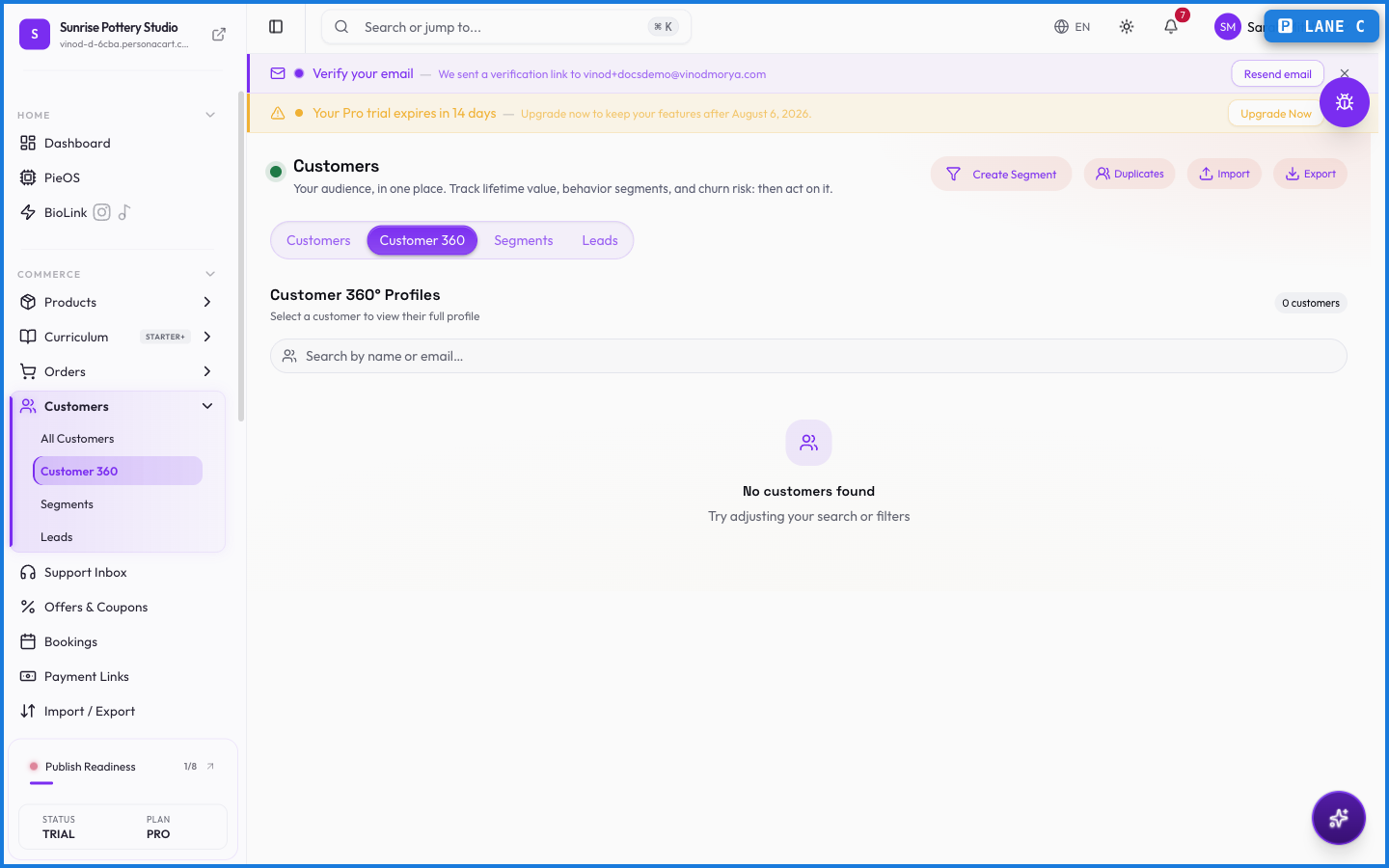
Customer 360 is the deep profile of one person: not just their contact card, but everything they've done with your store. Open it to answer "who is this buyer, and what's our history?" before you reply to a message or send an offer.
Where to find it
Sidebar → COMMERCE → Customers → Customer 360, or open any customer from the list.
What it pulls together
- Identity — name, email, phone, tags, and when they first showed up.
- Value — lifetime spend, order count, and average order value.
- Orders — every purchase, with status and totals, linked back to the full order.
- Subscriptions — any active or past recurring plans.
- Support — past conversations from your Support Inbox, so context travels with the person.
- Activity — a timeline of what they've done.
What happens — and what doesn't
- Customer 360 is a read-through of existing data — it gathers what's already recorded across orders, subscriptions, and support. It's the same customer, seen whole.
- Updating a tag or note here updates it everywhere the customer appears.
- Because it's assembled live, the profile always reflects the latest order and message — no stale snapshot.
What's the difference between the customer list and Customer 360?
The list is the overview of everyone. Customer 360 is the deep profile of one person — their orders, value, subscriptions, and support history gathered in one view.
Does Customer 360 show support conversations?
Yes. Past support threads for that customer appear alongside their orders, so you have full context in one place.
What this screen looks like in every state
| State | When you'll see it | What you see, and what to do |
|---|---|---|
| Empty | You haven't created anything here yet | “No customers yet” — with a shortcut to create the first one. Nothing is wrong; there's just nothing to show yet. |
| Loading | The screen is fetching your data | A skeleton in the shape of the finished page. It should be brief — if it persists, the load has failed rather than stalled. |
| Error | The data couldn't be loaded | A message with a retry. Retry first: most of these are a dropped request, not a broken store. If it repeats, the outage is upstream and reloading won't help. |
| No access | Your role doesn't include this screen | A permission notice instead of the page. An owner or admin can grant access under Settings → Team. |
This screen has more than one empty state depending on what you're looking at: “No customers yet”, “No orders yet”.
When something goes wrong
These are the messages this screen can show you, and what each one means.
| If you see | What to do |
|---|---|
| CSV file must be under 5 MB | The file was rejected. Check its size and type against what the field accepts. |
| Customer notes endpoint not available. This feature requires a backend update. | The change didn't save. Retry — if it keeps failing, the request isn't reaching the server. |
| Customer tags endpoint not available. This feature requires a backend update. | The change didn't save. Retry — if it keeps failing, the request isn't reaching the server. |
| Please add at least one complete rule | Do what the message asks, then try again — it names exactly what's missing. |
| Please enter a segment name | Do what the message asks, then try again — it names exactly what's missing. |
| Tag already exists | That value is already used. Pick a different one. |
| Too many exports. You can export again in …. | You've hit a plan or rate limit. Wait a moment, or upgrade if you need the higher ceiling. |