Commerce
In short: Commerce is where you sell: what you offer, the orders that come in, the people who buy and the money they pay you.
Everything that turns a visitor into a paid customer: what you sell, what they bought, and who they are. Pick a card to open its guide.
What is Commerce?
Commerce is the selling side of PersonaCart. You add what you sell once, buyers pay through one checkout into your own Stripe account, and every order, customer and refund request lands here.
Video transcript
In this video you will learn where everything lives in the product editor. It is for anyone who sells with PersonaCart. By the end you will find Save Product, the Finish list, the tabs, the sections and the history, and you will know that nothing is saved until you press Save. Top right is Save Product. Nothing saves by itself. Publish puts it live. Tabs run across. Product Data is where you set the product. Page Builder is its shop page. On a draft, Finish this product lists what is left. Each step says Done or jumps ahead. Below, Product Data is built from sections. Description is how buyers read about it. Price comes next: currency, sale price and your own product code. Inventory tracks how many you have. A mug needs it, a course does not. Shipping holds weight and size, for products you send in the post. In the side column, Status and visibility sets who can see the product. History keeps your last thirty saves, so you can restore an earlier version. So: Save on top, Finish for drafts, tabs and sections for each part, History to go back. Thank you so much for watching PersonaCart. To read the full guide, go to docs dot personacart dot com. To try PersonaCart yourself, go to personacart dot com. And subscribe, so you do not miss the next tutorial.
What you can do
- Sell any kind of offer: camps and events, weekly training programs, 1:1 bookings, session packs, courses, downloads, gear with stock, memberships and tips
- Set prices, sales, trials and yearly plans, and sizes or class days with their own price and stock
- Get paid without a store page using a payment link
- Find, ship and update orders, and answer refund requests
- Know each buyer in Customers and Customer 360, and group them in segments
- Run coupons and offers and win back abandoned carts
- Take bookings and check guests in at events
- See what came in, the fees and what reached your bank in My Money
- Bring your catalog and customers in with Import & Export
Who uses it
- Coaches who sell camps, classes, private sessions and gear.
- Creators who sell courses, downloads and memberships.
- Anyone who just needs to send a link and get paid.
See it
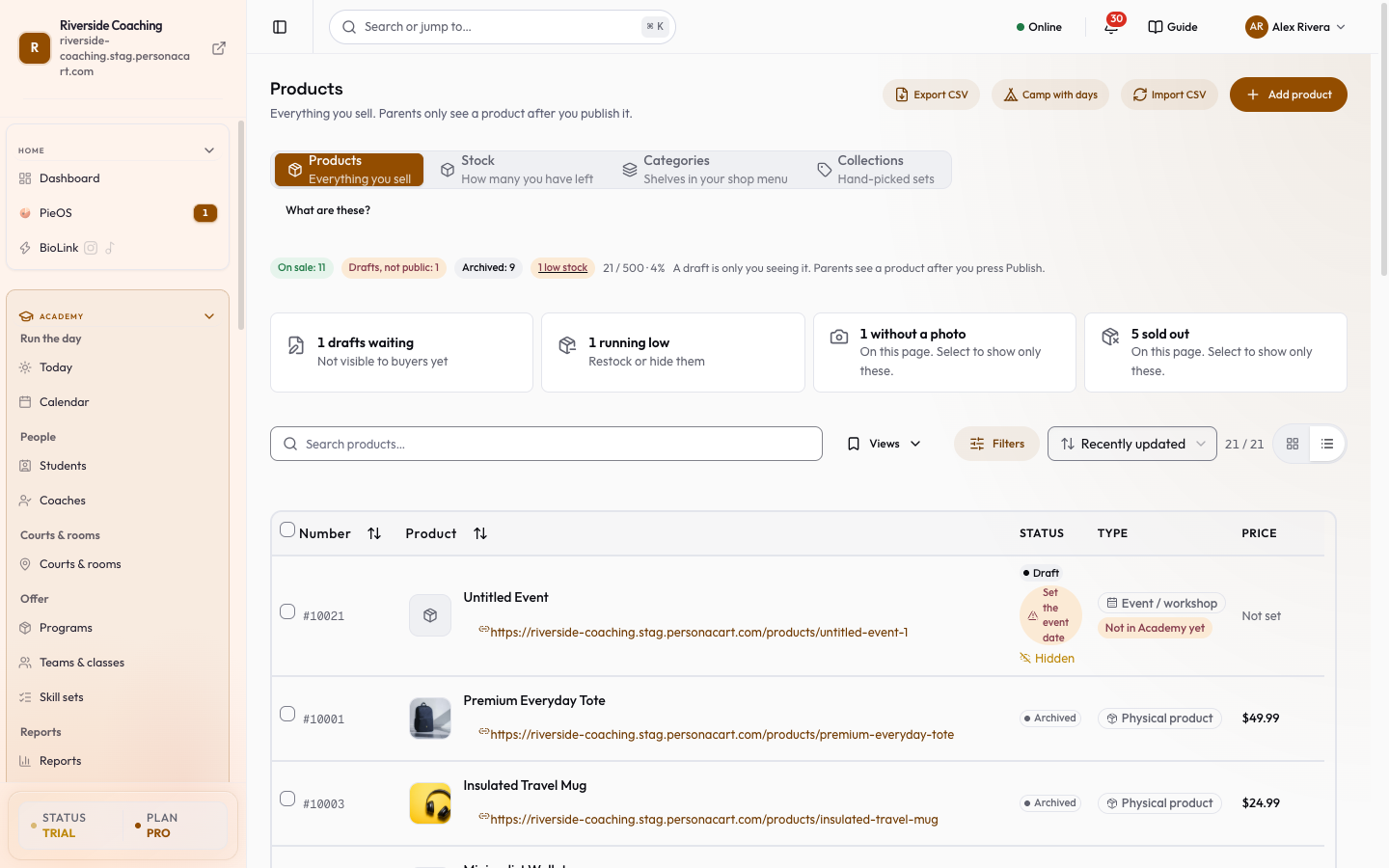
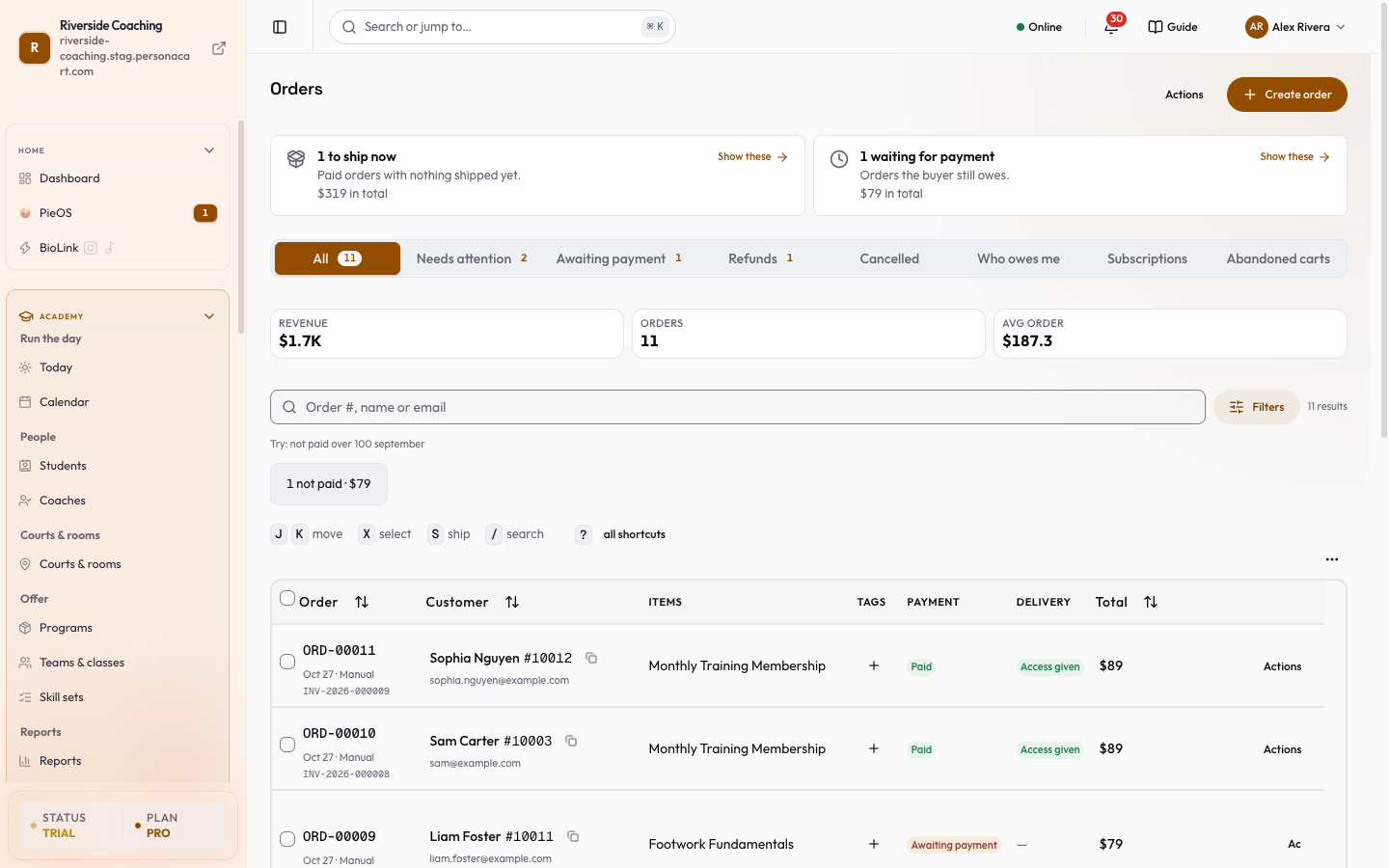
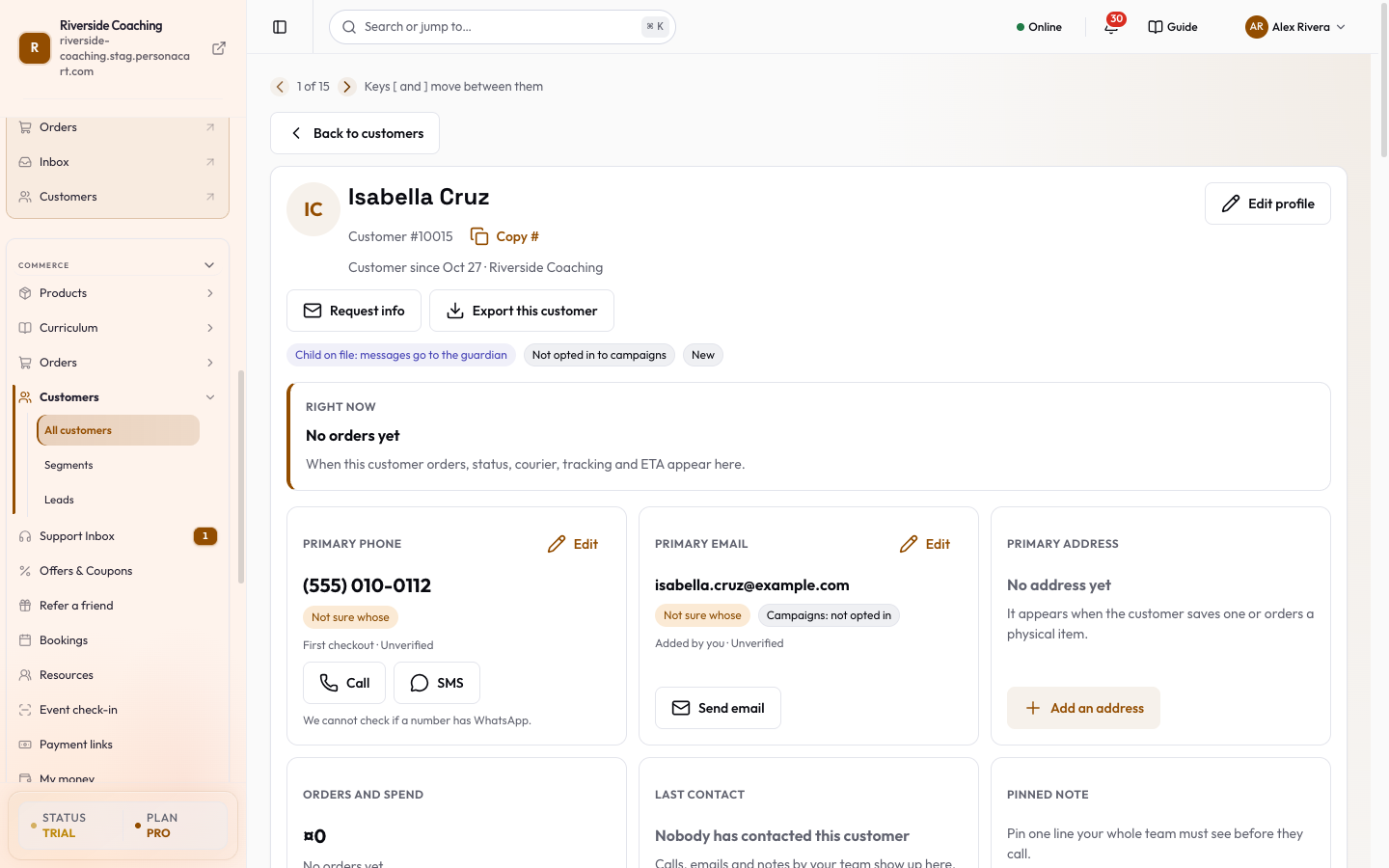
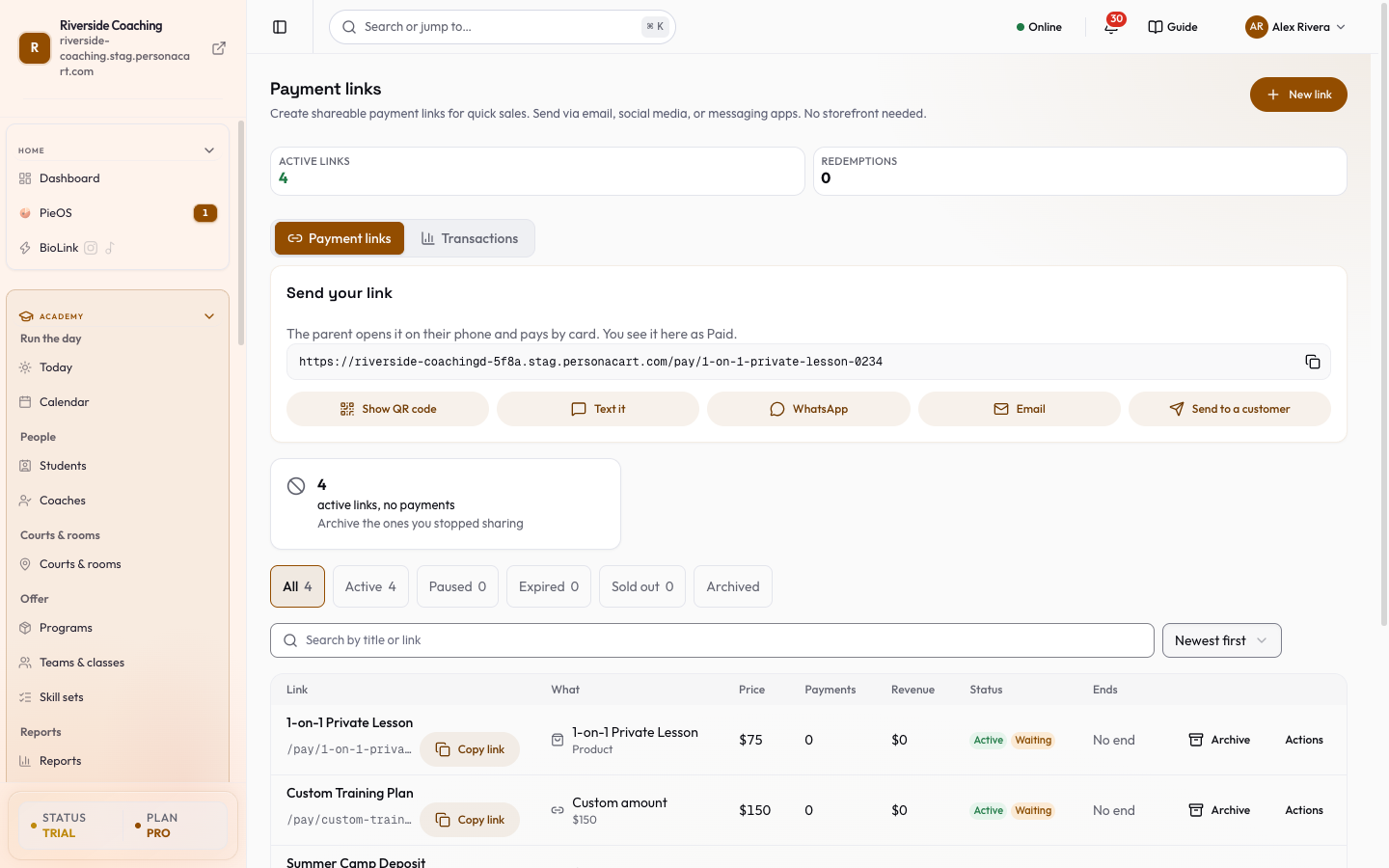
Watch it in the introduction film: Your store (0:32), Products and shipping (1:34), Memberships (2:20), Payments (2:33).
What you sell
Money in
Who bought
What is Commerce: products, orders and customers in PersonaCart Docs?
Commerce is where you sell: what you offer, the orders that come in, the people who buy and the money they pay you.
What topics does Commerce: products, orders and customers cover?
The main pages are: Products, The product editor, Product types, Pricing and billing, Variants and options, Physical products, Digital downloads, Courses, and 28 more.
Where do I start in Commerce: products, orders and customers?
Start with Products.
Related
Product page: PersonaCart features