Wishlists
See something you like but not ready to buy? Save it. Your wishlist keeps the products you want to come back to, right in your account, so you don't have to hunt for them again.
Where to find it
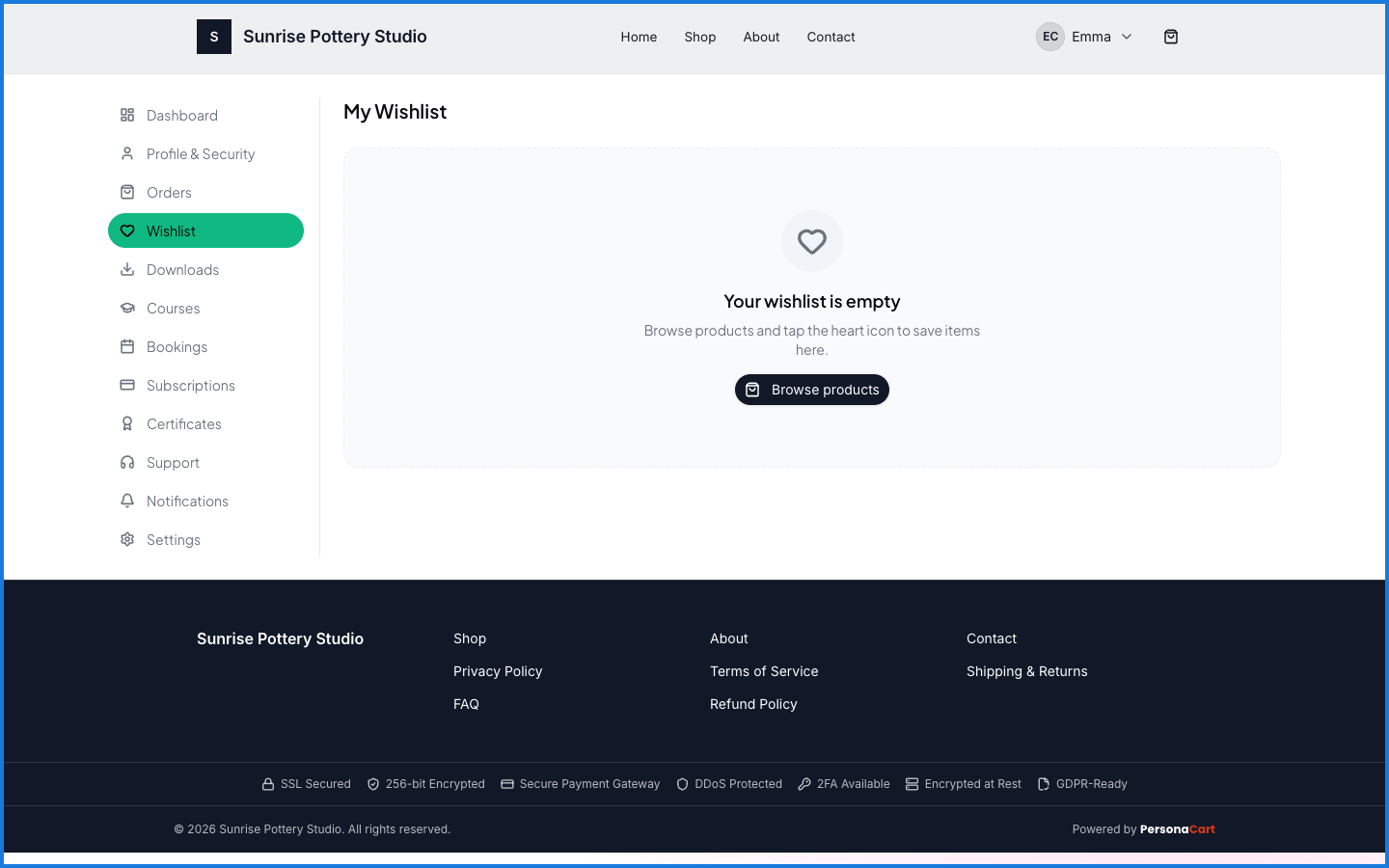
Sign in → My Account → Wishlist. On a product, tap the heart to save it.
What happens — and what doesn't
- Saving a product with the heart adds it to your wishlist, tied to your account.
- Your wishlist is a shortlist to return to — saving something doesn't reserve stock or hold a price.
- It's per store — each store keeps its own wishlist for you.
How do I save a product for later on PersonaCart?
Tap the heart on the product to add it to your wishlist, then find it later under Wishlist in your account. It's tied to your account with that store.
Does adding to a wishlist reserve the item?
No. A wishlist is a shortlist to come back to — it doesn't hold stock or lock in a price.