Order history
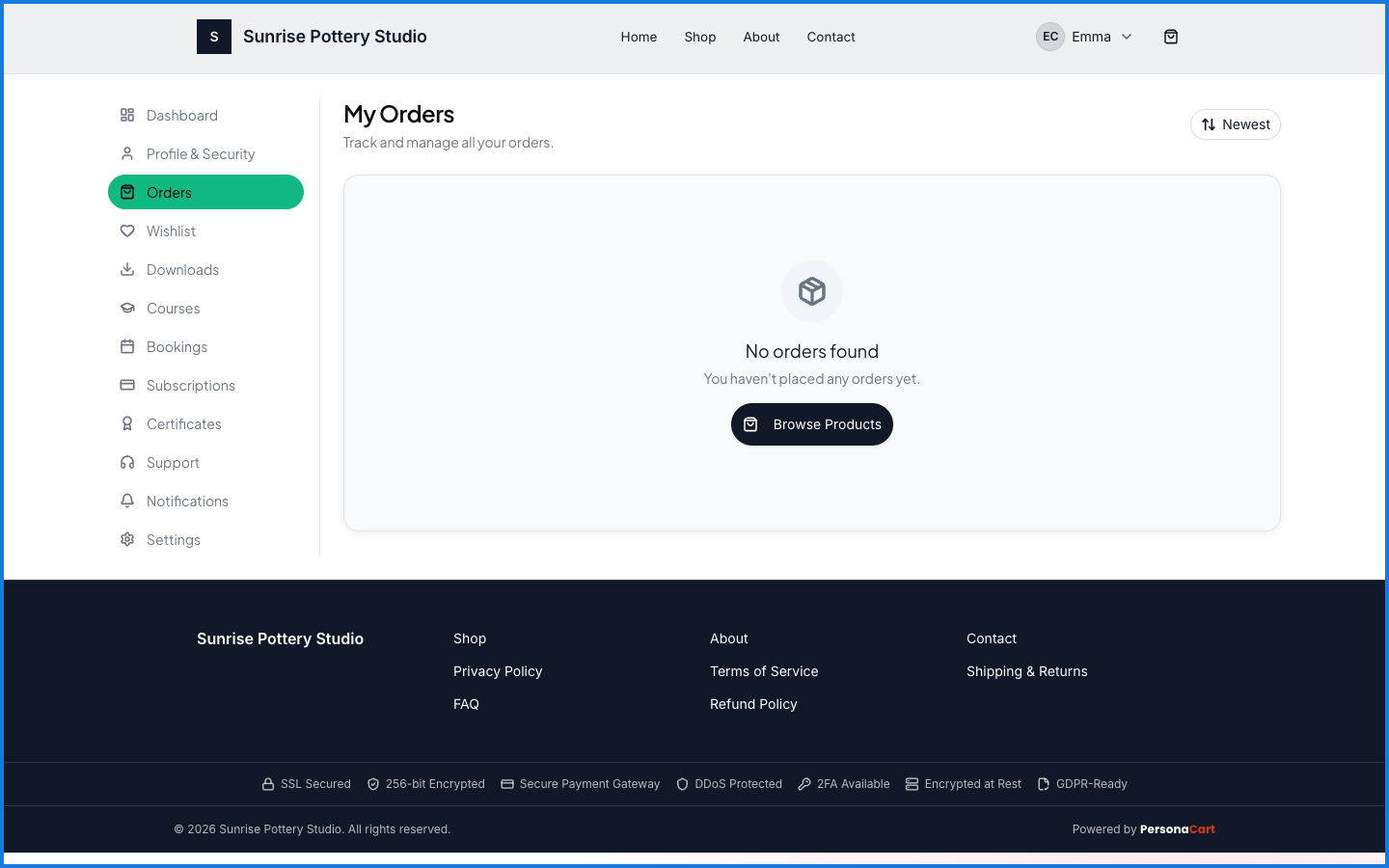
Every purchase you make from a store is recorded under Orders — a running list you can come back to for status, details, and receipts. It's the answer to "what did I buy, and where is it?"
Where to find it
Sign in → My Account → Orders.
What happens — and what doesn't
- Every order with a store is listed here with its status, newest first.
- From an order you can reach what it unlocked — a digital product's download, a session's booking.
- Orders are per store — this list covers your purchases from this store.
How do I track an order I placed on PersonaCart?
Sign in and open Orders in your account. Each order shows its current status, and links through to any downloads or bookings it included.
Can I see old orders?
Yes. Your order history keeps every purchase you've made from that store, so you can revisit any of them.