Your account dashboard
Everything you buy from a store lives in one account. The dashboard is its home base — a single view of your orders, courses, bookings, and downloads, with a menu to reach the rest. Sign in once and it's all here.
Signing in
Each store has its own buyer account. Sign in from the store's My Account link.
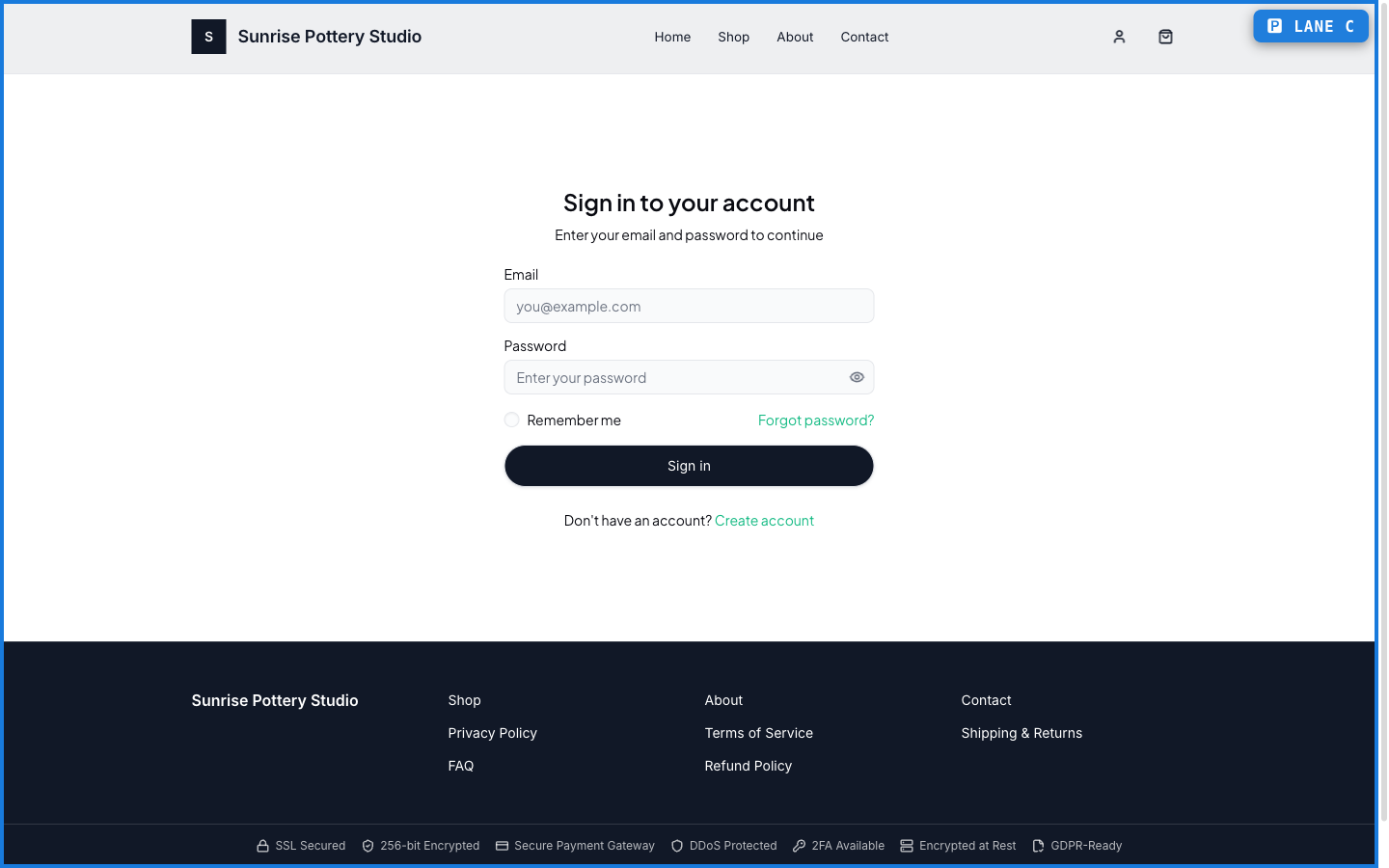
The dashboard
Once you're in, the dashboard greets you with a snapshot — recent orders, upcoming bookings, active courses — and a side menu to Orders, Wishlist, Downloads, Courses, Bookings, Subscriptions, and Profile.
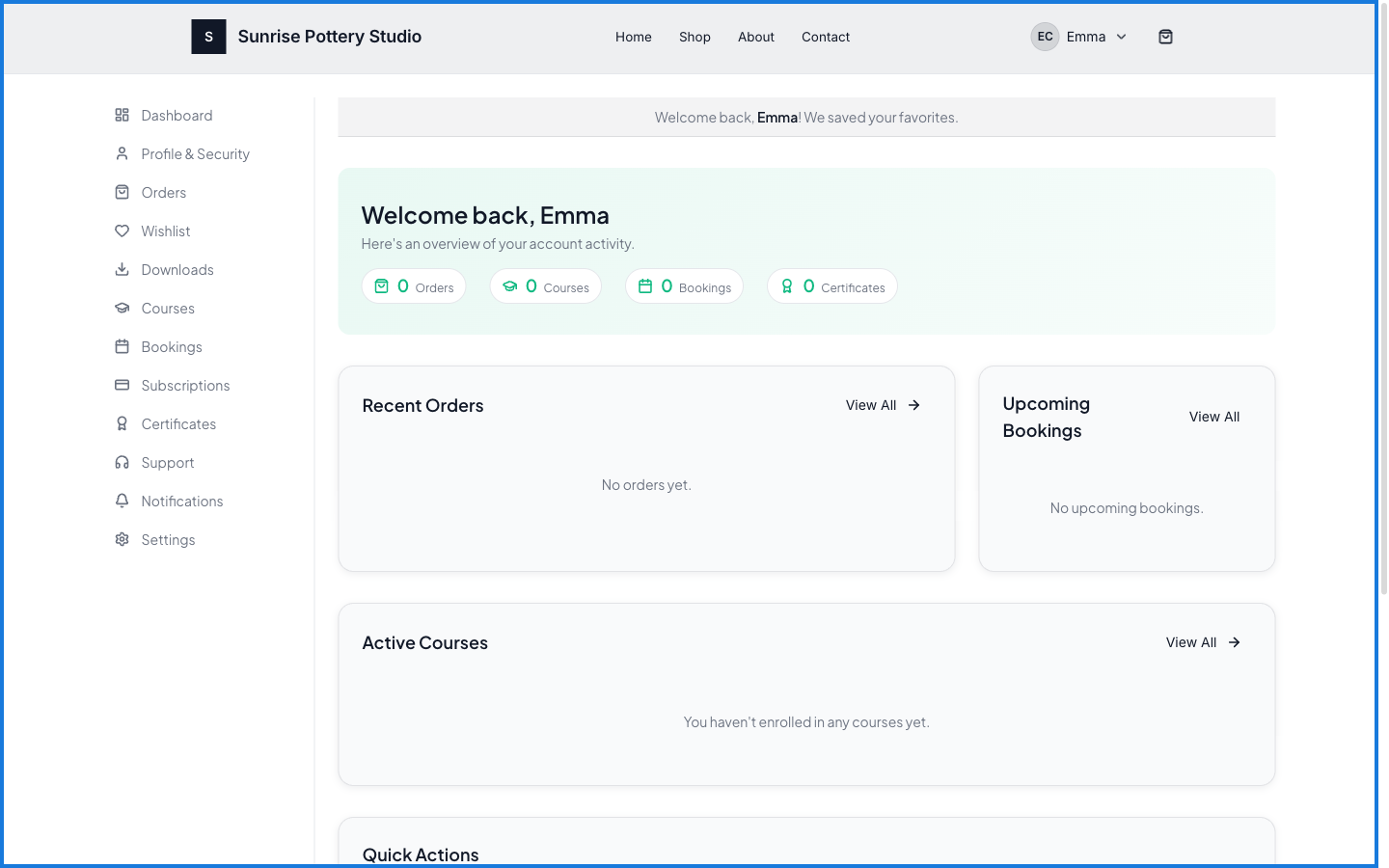
What happens — and what doesn't
- One account per store holds all your activity with that store — orders, courses, bookings, downloads.
- The dashboard shows a snapshot; each section (Orders, Downloads, and so on) has its own full page.
- Your account with one store is separate from your account with another — each store is its own space.
What can I do from my PersonaCart account?
See your orders, downloads, bookings, subscriptions, wishlist, and courses for that store, and manage your profile — all from one dashboard after signing in.
Is my account the same across every PersonaCart store?
No. Each store has its own buyer account, so your activity with one store stays separate from another.
Every field on this screen
Every control here, read straight from the live app.
| Field | Type | What it accepts | What it does |
|---|---|---|---|
| Background Gradient | On/off | — | |
| Button Label | Text | — | |
| Button Link | Text | — | |
| Call to Action (optional) | On/off | — | |
| Greeting Text | On/off | — | |
| Show Breadcrumbs | On/off | — | |
| Show Stats | On/off | — | |
| Subtitle | On/off | — |
8 fields, read from the live app. Which ones you see depends on the product type and your plan.