BioLink settings
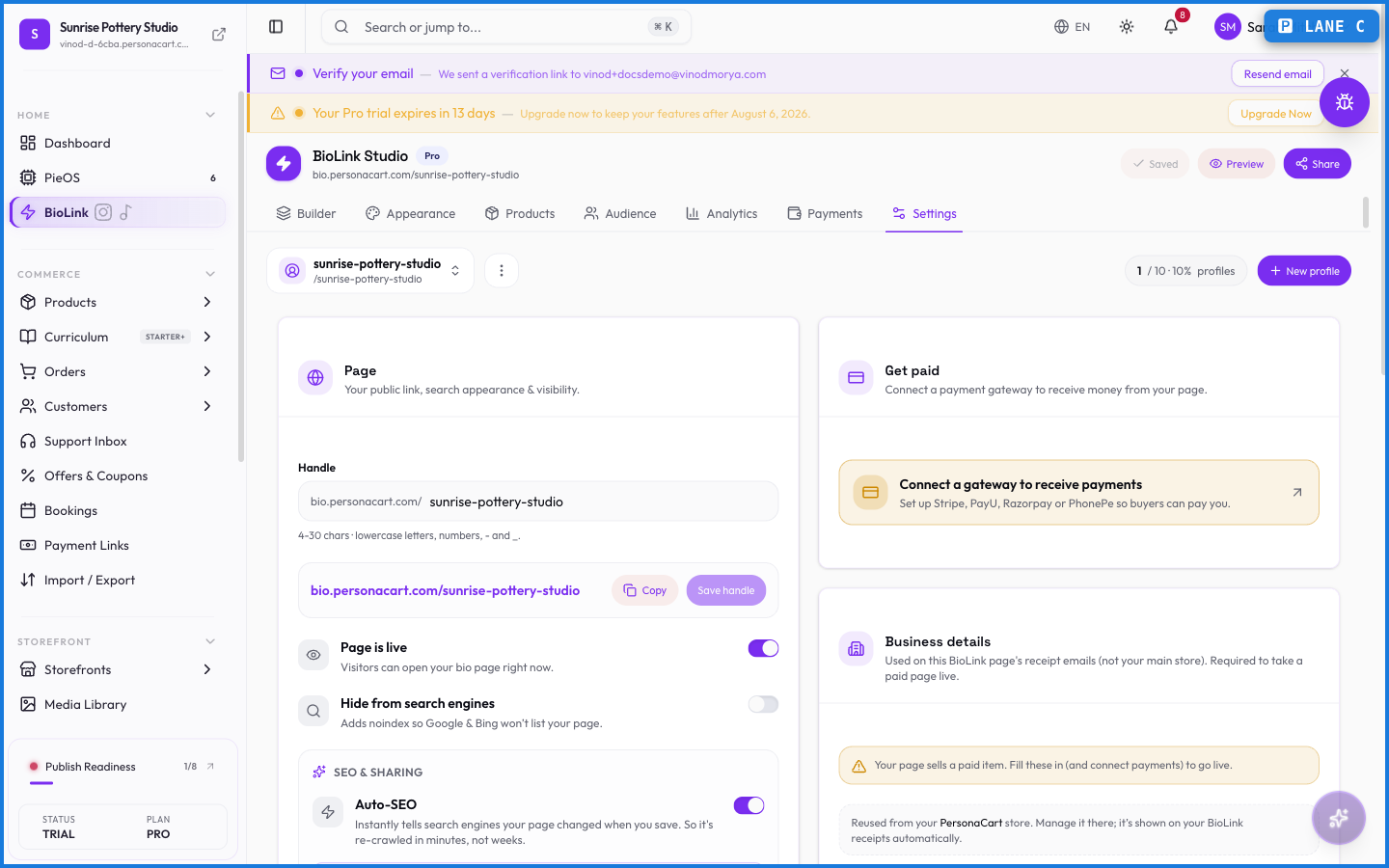
BioLink settings are where you tune the page itself — how it looks, its address, and the options that shape how visitors experience it. The editor builds the content; settings handle everything around it.
Where to find it
Sidebar → GROW → BioLink Studio → Settings.
What happens — and what doesn't
- Settings control the page's look and options — the frame around the blocks you added in the editor.
- Your public address lives here too; connecting a custom domain is a higher-plan step.
- Changing settings doesn't touch your blocks — content and configuration are separate.
Where do I change how my BioLink looks?
In BioLink settings, within BioLink Studio. The editor handles the blocks; settings handle the page's appearance, address, and options.